7000+ Companies Across 80+ Countries Use Liqvid to Share Content on Their Screens
Trusted by
Excellent reviews
Your Powerful Yet Painless Screen Management Solution
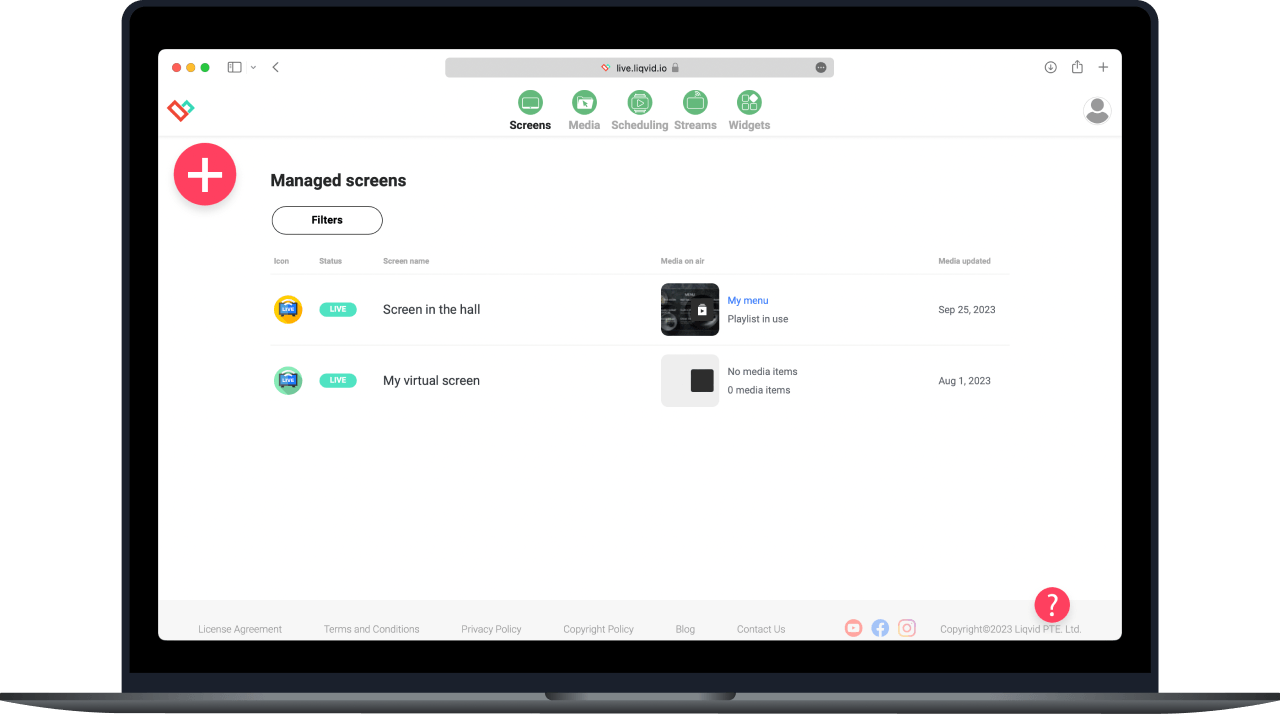
Liqvid Digital Signage software for Windows teams runs as a browser dashboard: operators upload, schedule, and publish from any Windows machine, and the playlists land on Android-TV, Chromecast, Amazon Fire, and Xiaomi screens in the venue. Nothing installs on the desktop; nothing locks the workflow to a single PC.
A hotel chain headquartered in Amsterdam schedules local-weather forecast cards from the marketing desk's Windows laptop. The same playlist runs on lobby screens across 8 cities, each one paired to an Android-TV stick rather than a full venue PC.
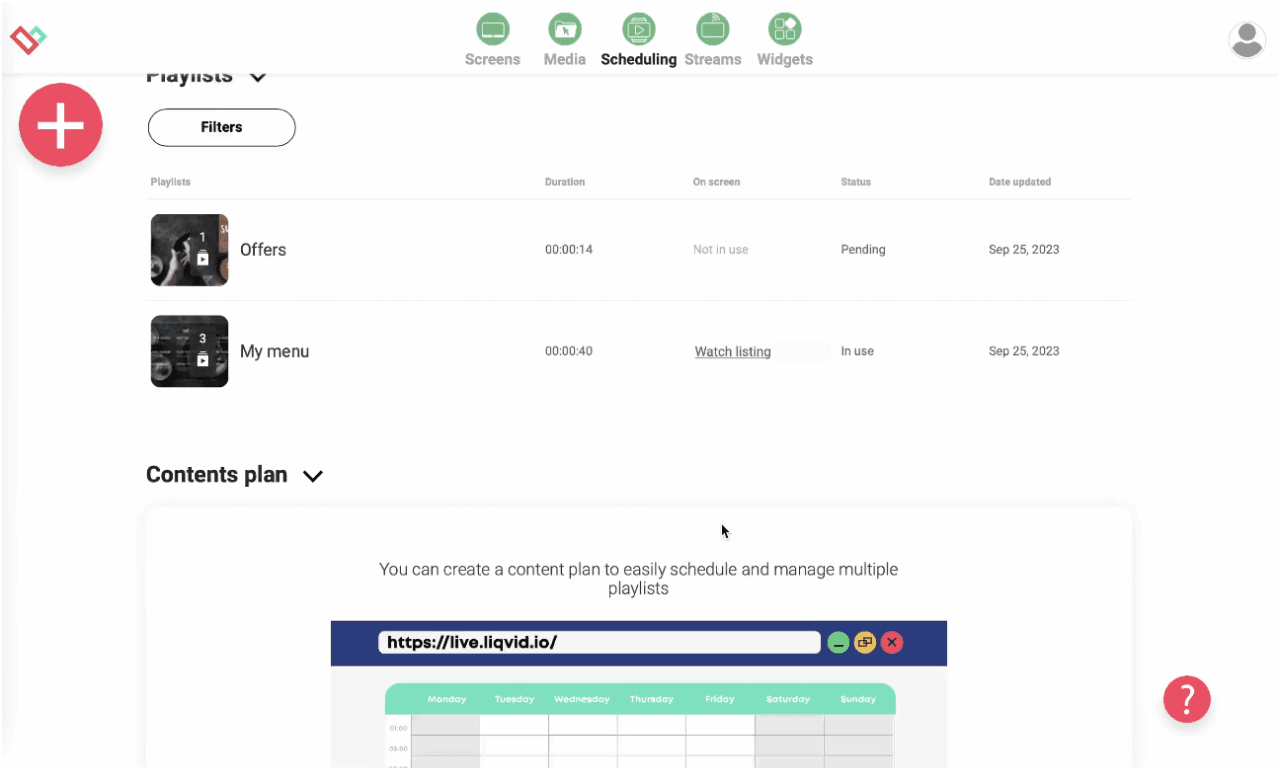
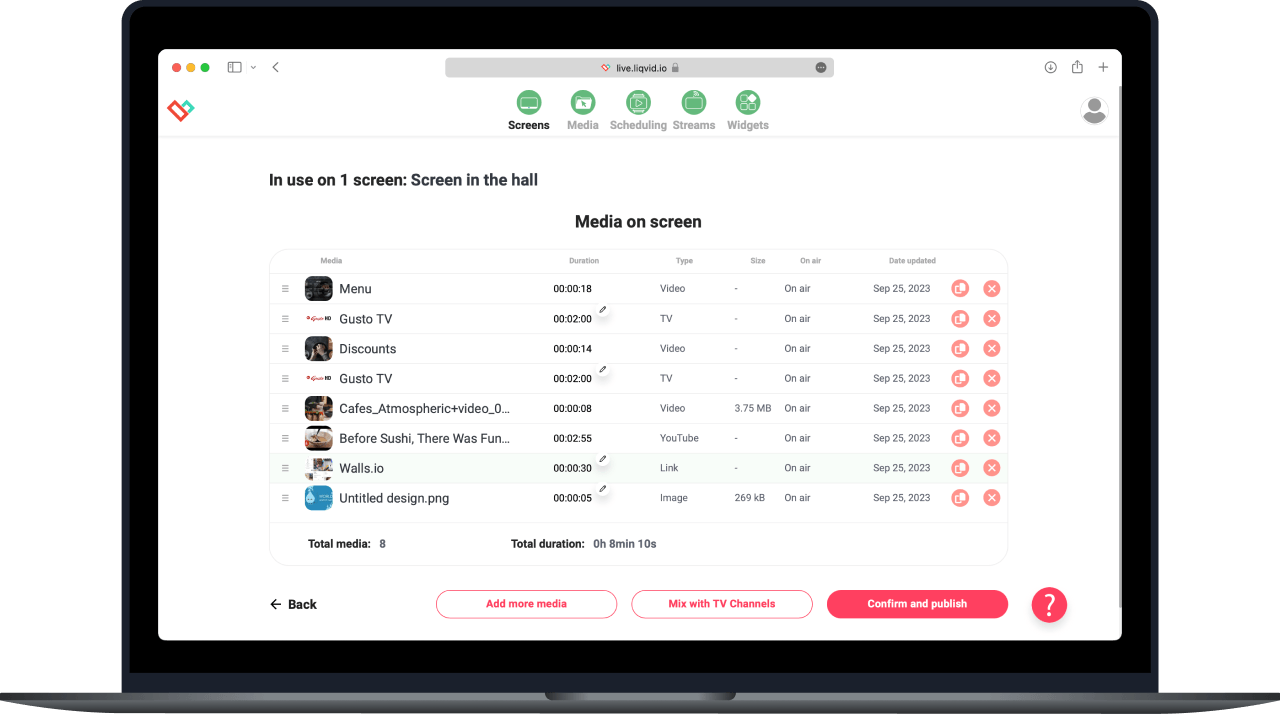
Drag clips onto the calendar grid; the schedule publishes on save. Liqvid's preview pane renders the next playback window pixel-for-pixel so the marketing lead sees what the guest will see before clicking publish.
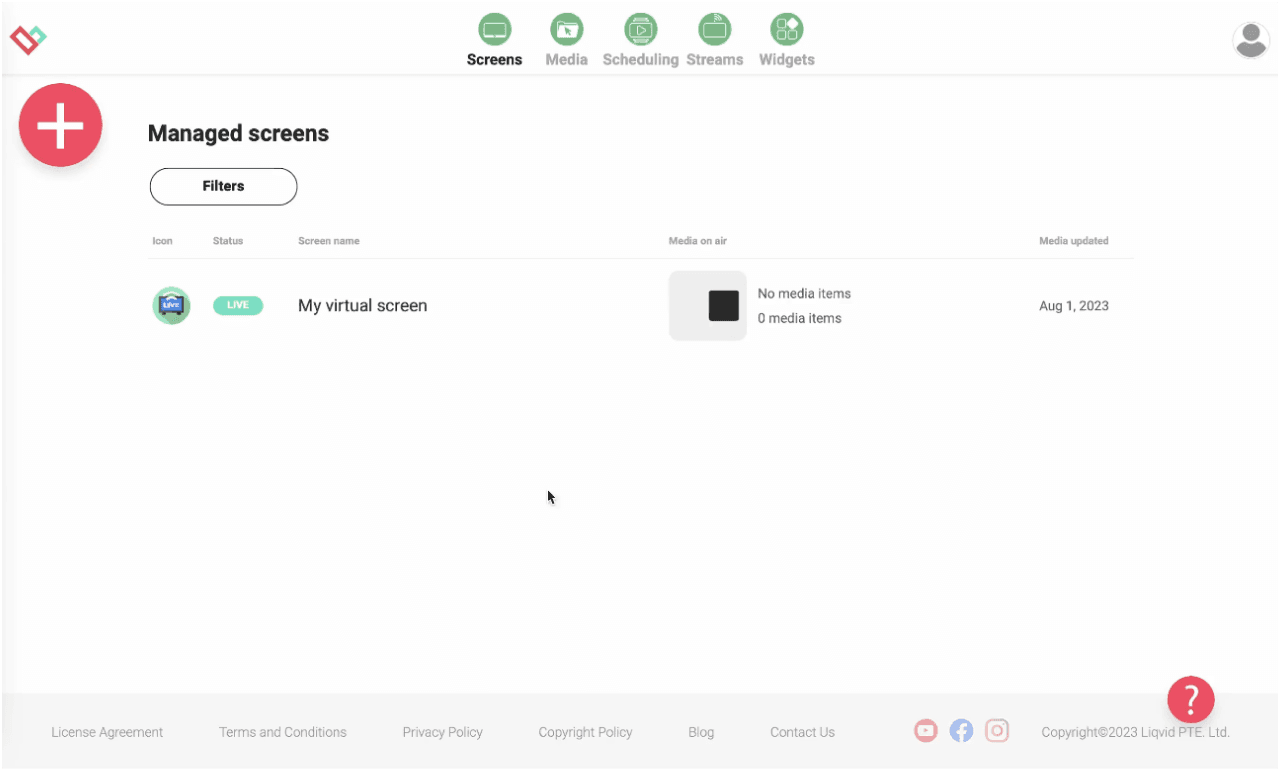
Take full remote control of your screens in multiple locations from anywhere
Cloud-hosted, no on-site server farm. The platform stores every asset once and syncs it to every paired player, so a 10-venue chain runs from the same storage pool as a single cafe.
Utilize seamless compatibility with Android, Android TV, and Amazon Smart TVs
The pairing of Windows editing and Android-TV playback hardware is deliberate - Windows is great for media work, Android-TV sticks are great for silent always-on playback under 5W per screen.
Your Content, Your Way: Upload, Create, Stream, Share
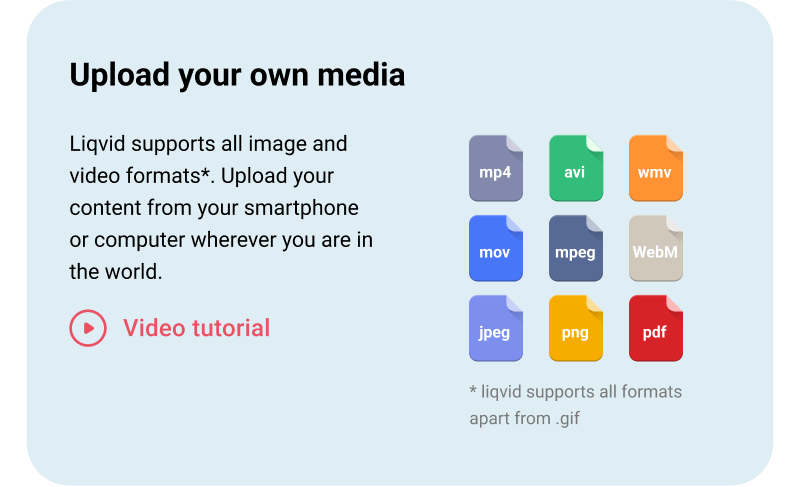
Upload your own media
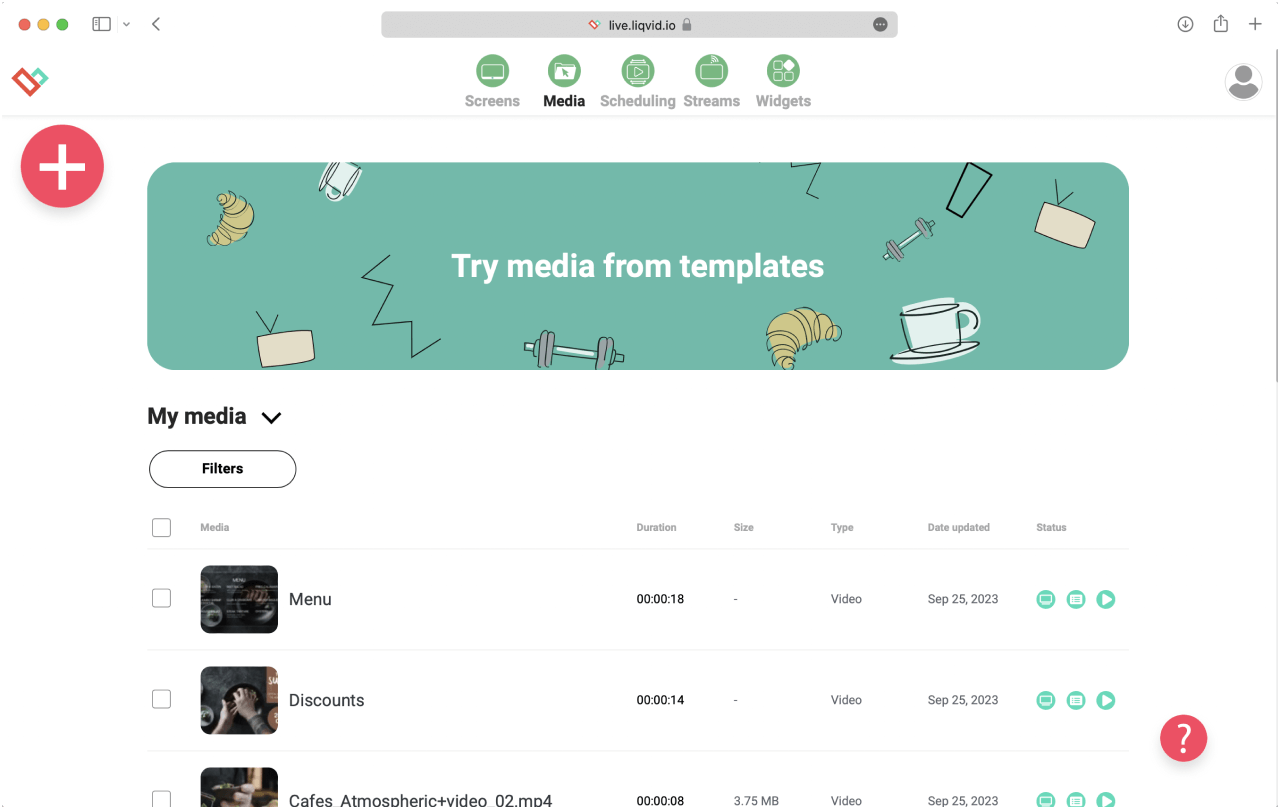
The visual scheduler accepts media drag-ins from the library: MP4 clips, MOV videos, JPG and PNG stills, PDF menus, PPTX decks, and live web links all queue into the same playlist with no format wrangling.
DIRECT 1-CLICK PUBLISHING
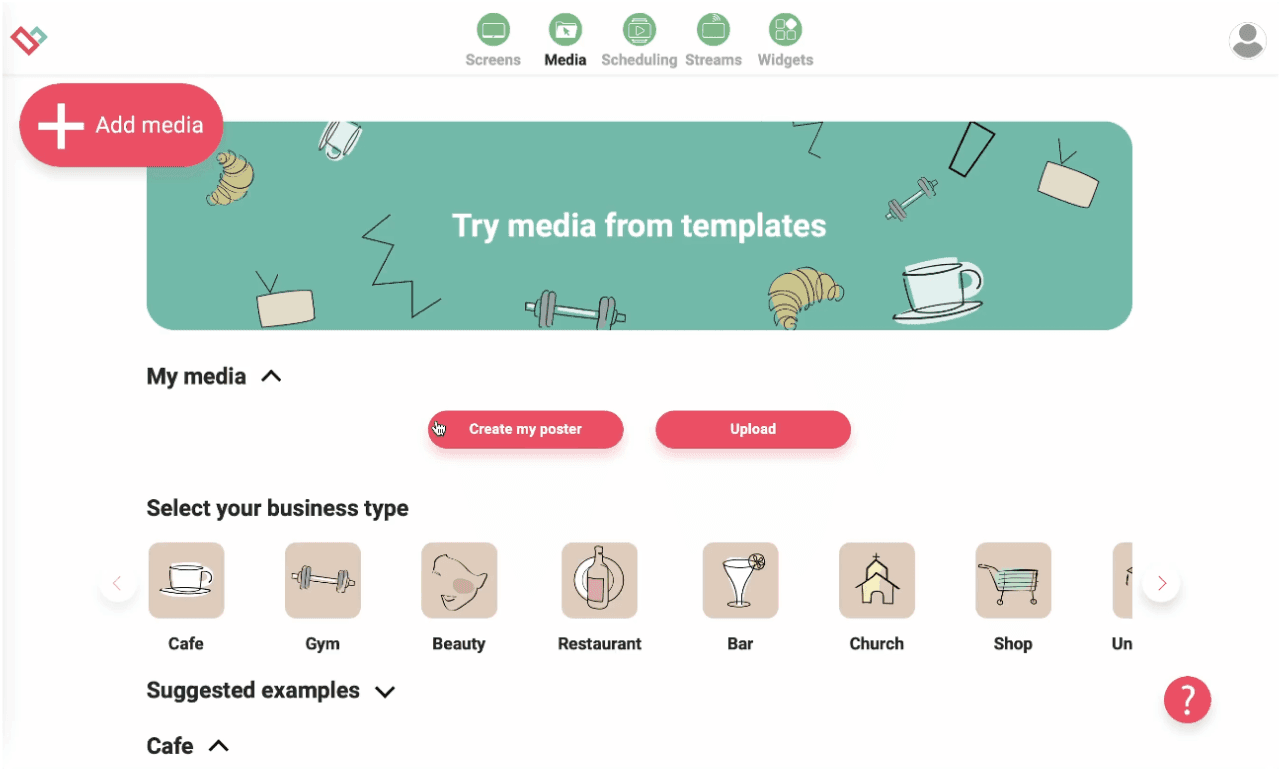
Create your own screen content within minutes — no experience needed!
Brand kits live in the dashboard; templates pull logos, fonts, and colour swatches directly from the kit. An operator updates a logo file once and every existing playlist re-renders with the new asset.
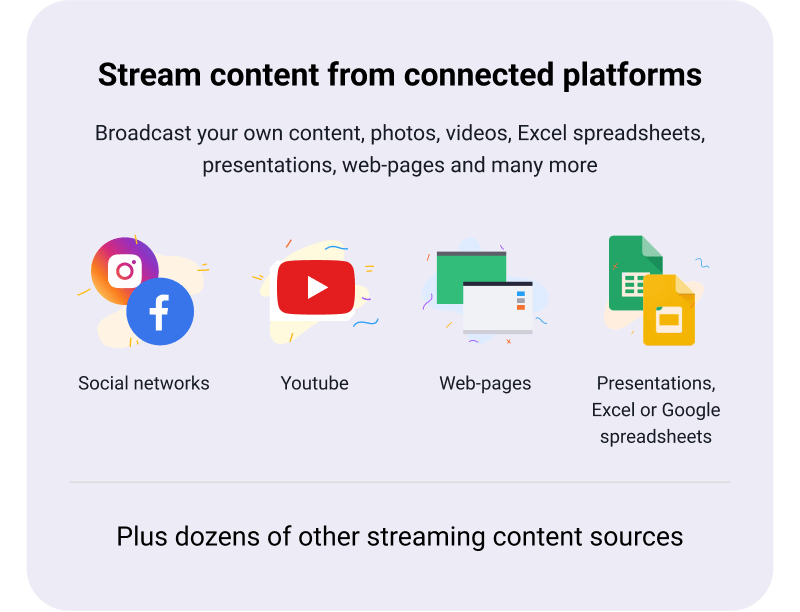
Stream content straight on TVs from connected platforms
Presentations, Excel exports, Google Slides decks, web pages, IPTV feeds, and curated YouTube tracks stream alongside your own media. The player fetches each source on a cadence the schedule defines.
Effortlessly schedule screen content for specific times and locations
Build a 7-day plan once and clone it across weeks. Exceptions for public holidays, store-closed days, or one-off promos slot into the timeline without breaking the recurring schedule.
Experience Stability, Security, and Reliability for Your Peace of Mind
Each player syncs over Wi-Fi and caches the next 24h of media locally. Network drop? The cache plays through; reconnection resumes the player on the same slide it was about to draw next.
Worldwide Responsive Customer Support by Real People, Instant Assistance Available
Operates in 170 countries, multilingual
Unparalleled Data Security
Seamlessly Scalable: Easily Deploy 10 to 10,000s of Devices
Seamless signage mobile control with Liqvid's pocket-sized web-panel
Access to Premium Widgets for Audience Engagement: Entertainment, Information, Sales
16 unique high-demand features
App Auto start and restart for uninterrupted service
Auto updates for latest features
Large files compatibility
Works perfect for screens in
Fitness Clubs
Two-factor sign-in, role-based dashboard permissions, and a per-user audit log keep multi-tenant deployments under control. The dashboard meets the access-control bar typical SMB IT teams demand.
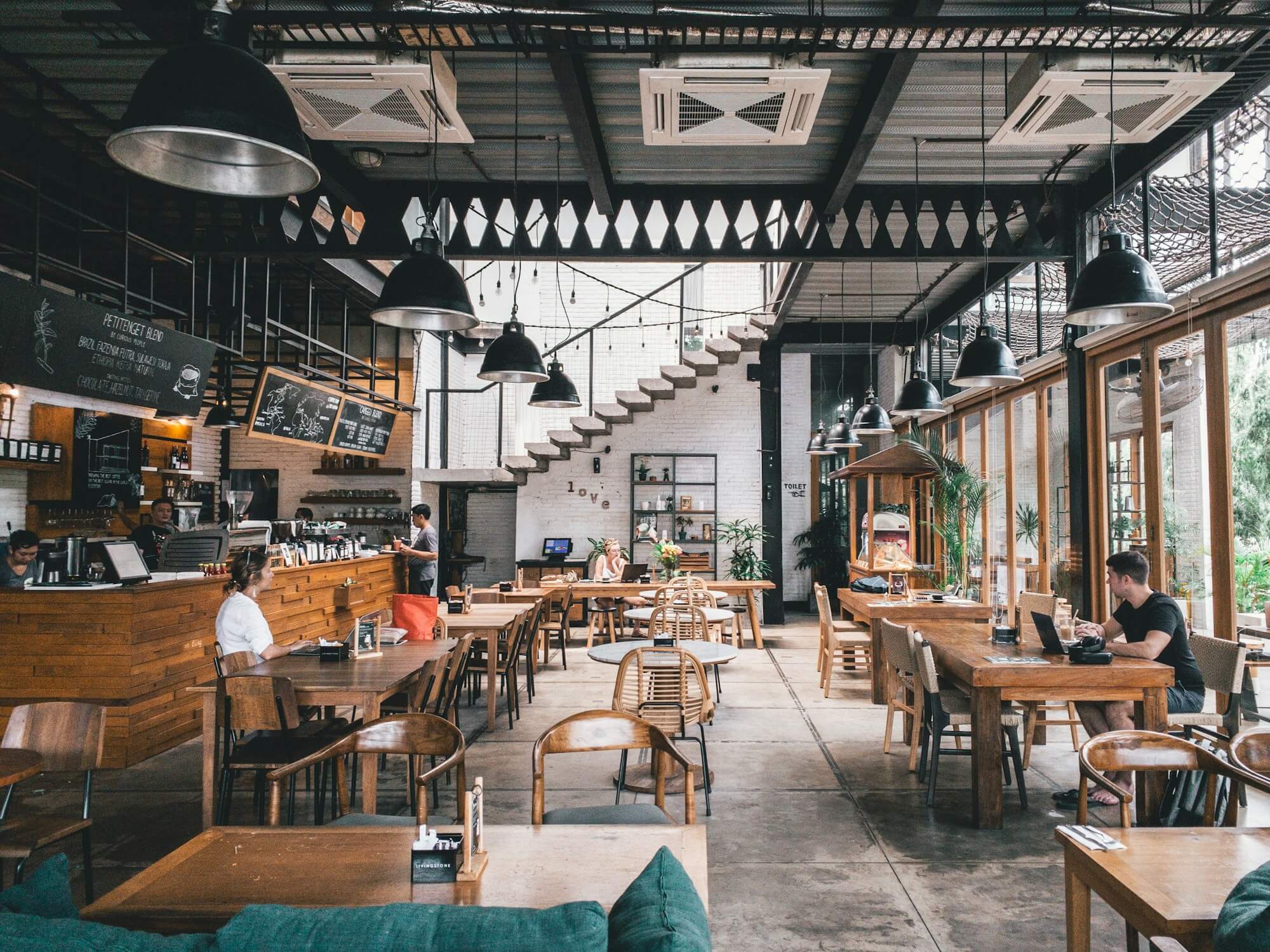
Cafes and Restaurants
Hostel groups in Lisbon and Barcelona run reception, breakfast-room, and corridor screens from one Liqvid account. The Windows-side scheduler queues all three playlists; each screen draws its own.
Shops, Retail outlets, Schools and Universities
Hotels deploy digital signage software for windows front-desk operators alongside Android-TV sticks in every lobby. The first playlist is usually a restaurant-menu-of-the-day card published from the front-desk Windows machine.
Hotels, SPAs, Medical Clinics and Beauty Salons
Salons publish stylist-spotlight features and online-booking QR cards on the lobby screens; the dashboard accepts QR-code images dragged in from the file explorer just like any other asset.
Cases by Industries
Gyms
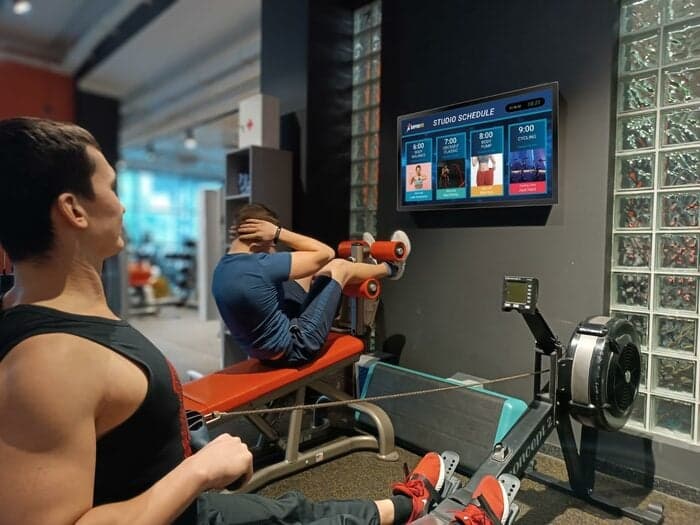
Fitness clubs queue PT-slot availability tickers and weekly class schedule grids from the Windows admin desk. The Android-TV player fetches each slide on the daypart the schedule specifies.
Cafés
Coffeehouses publish a barista or mixologist pick highlight from the back-office Windows laptop. The same dashboard handles supplier-story spotlights for the roaster on a separate playlist.
Beauty Salons
Open liqvid.io in your Windows browser, install the Android-TV player on the screen-side device, pair with a one-time QR code, and broadcast the first slide in under 15 minutes.
Use content widgets to entertain, inform and sell to your audience
Dropbox
Walls.io
Seenspire
Taggbox
Liqvid.io — platform for screens in the gym your receptionist can manage!
Fitness Next Classes
Fitness Daily
Fitness Weekly
Say goodbye to outdated communication methods and hello to a better gym experience for your customers!
Unbeatable Prices in Your Area!
If you find a more affordable option, please let us know, and we'll match it. We offer flexible payments based on the number of screens connected.
Liqvid Free
Ideal for businesses evaluating our platform. Liqvid's free plan offers premium features, unlimited screens, and no usage expiry, with a small Liqvid watermark and storage limitations.
For businesses willing to pay for 100% of the modern features and functionality, along with unlimited media storage and support for large files, without any Liqvid ads or watermarks.
Includes unlimited access to all premium features, plus human-driven unlimited technical and customer support. Ideal for large organizations with 500+ screens.
Platform for screens in the gym that my receptionist can manage!
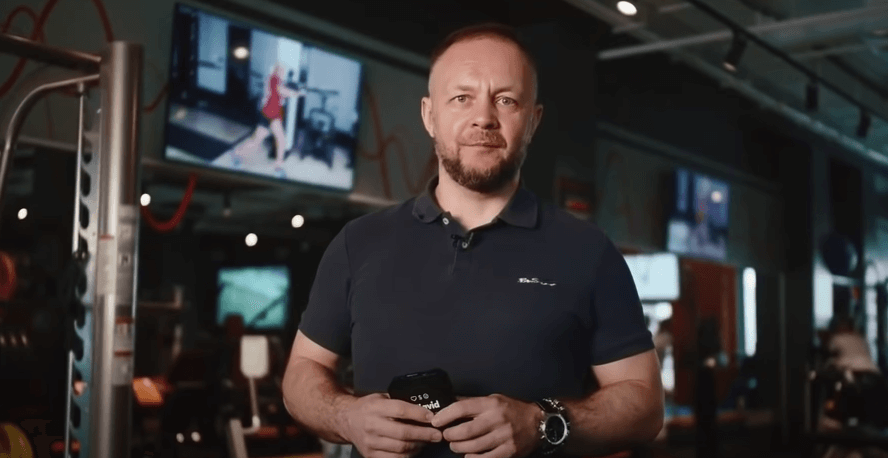
"We've relied on Liqvid for our fitness club screens. It's simple, powerful, and dependable. Makes managing content a breeze. Lots of features for gym screens content like daily schedules, upcoming classes, social walls. Highly satisfied."
George
Club manager IceBox Fit
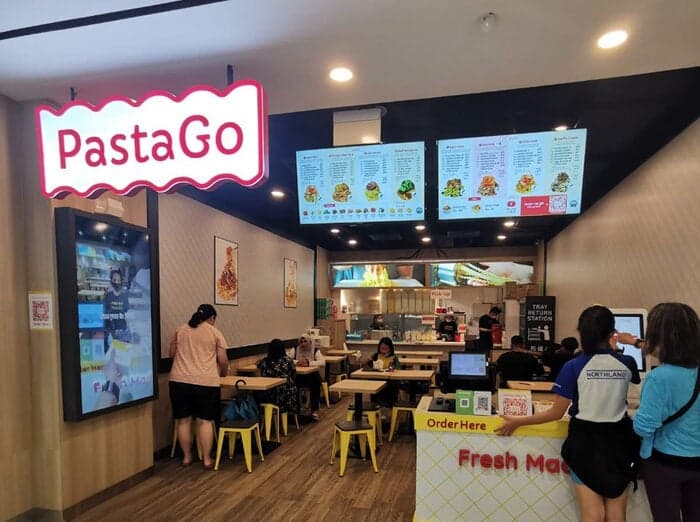
PastaGo's Menu Transformation with Liqvid
"Launched in 2022, PastaGo is a takeaway kiosks network of 10+ venues rapidly growing and serving our in-house-made pasta. Liqvid's menu boards have been a game-changer for us, and we're thrilled with the results."
Hian Meng N
Manager PastaGo
"Easy to use and navigate without much training!"
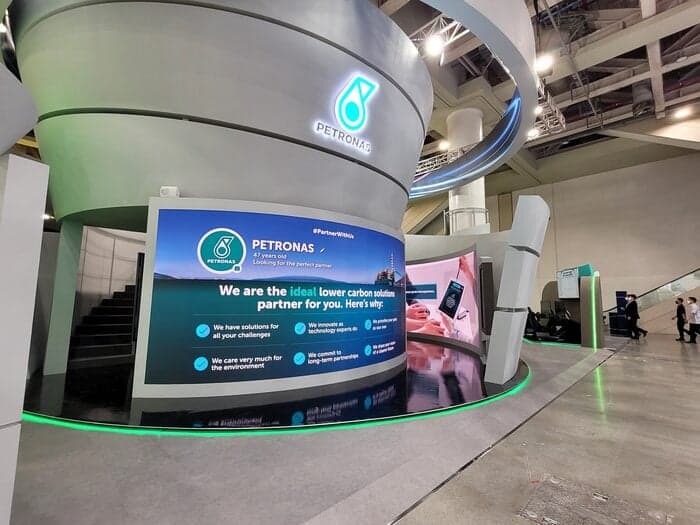
One of the world's largest oil and gas companies uses the Liqvid digital signage platform to communicate with thousands of employees across South-East Asia's multiple plants and factories.
Liqvid for the Win!
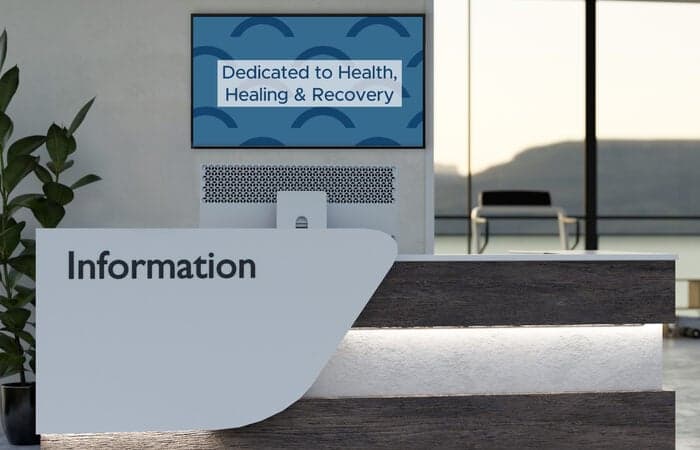
"Liqvid gives us a low cost product that provides the features we need for our lobbies and waiting areas. Cons - Nothing. We liked everything we saw about the product, and support has been excellent. Overall experience has been very positive."
Patrick M
CIO, Healthcare company, 500 employees
Liqvid Elevates Our Ambiance!
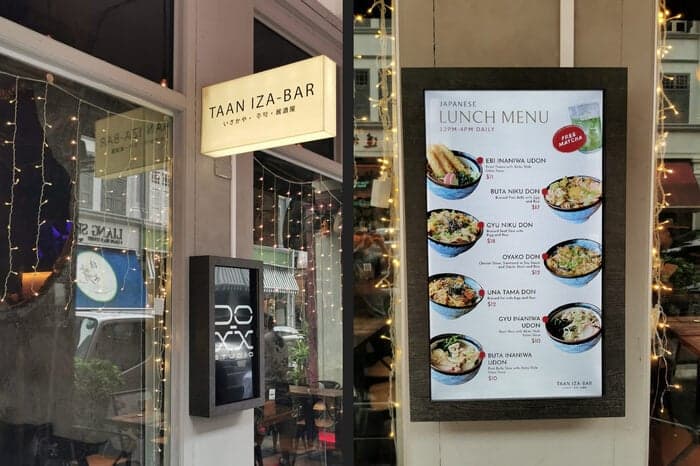
"TAAN IZA-BAR captures the essence of Japanese izakaya with a cozy, romantic ambiance in Singapore. Liqvid enhances our atmosphere."
Jeff
Owner
Common Questions
Does Liqvid run on Windows PCs as a signage player?
Yes. Install the Liqvid Windows player on a Windows 10 or 11 machine, pair it with your account, and the PC drives the connected display.
Can I use an existing Windows mini-PC for digital signage?
Yes. Any Windows 10 or 11 PC with HDMI output works. Install the Liqvid player, sign in, and assign the PC to your screen group.
Does the Windows player support touchscreen kiosks?
The Windows player plays scheduled content; for interactive touch kiosks check the platform docs to confirm input support for your use case.
Why choose Windows over Android TV for signage?
Windows fits sites where IT already manages Windows fleets and remote support. For new fleets Android TV or Chromecast sticks are typically simpler and cheaper per screen.
How do I remotely update content on Windows signage players?
Edit the playlist in the Liqvid dashboard and push to the Windows player's screen group. The player pulls the new content over the network and switches automatically.
Take the Next Step in Screen Management
Seamlessly integrate and manage all your digital displays with one intuitive platform. Choose Liqvid to elevate your business, improve your customer interactions, and achieve remarkable growth.