7000+ Companies Across 80+ Countries Use Liqvid to Share Content on Their Screens
Trusted by
Excellent reviews
Your Powerful Yet Painless Screen Management Solution
When venues update campus notices, the digital screen signage app for universities pushes the change to every screen at once. Liqvid Digital Signage runs on Android TV, Chromecast, Amazon Fire, and Xiaomi devices.
Screens carry zone tags by building. The library team pushes a playlist to its tag while the cafeteria loop and lobby strip in other buildings hold their current content.
Hosted in the cloud, no on-site PC. Premium plans add unlimited media storage; each screen keeps its active playlist on local storage so brief network drops never blank playback.
Take full remote control of your screens in multiple locations from anywhere
Roles scope by building and by team. The library team manages its screens; the dining team owns the cafeteria loop; the events lead controls the venue-wide schedule board.
Utilize seamless compatibility with Android, Android TV, and Amazon Smart TVs
App download comes from Google Play, the Amazon Appstore, or a sideload package on Xiaomi sticks. Pair each screen with a six-digit code; first playback inside 15 minutes typically per device.
Your Content, Your Way: Upload, Create, Stream, Share
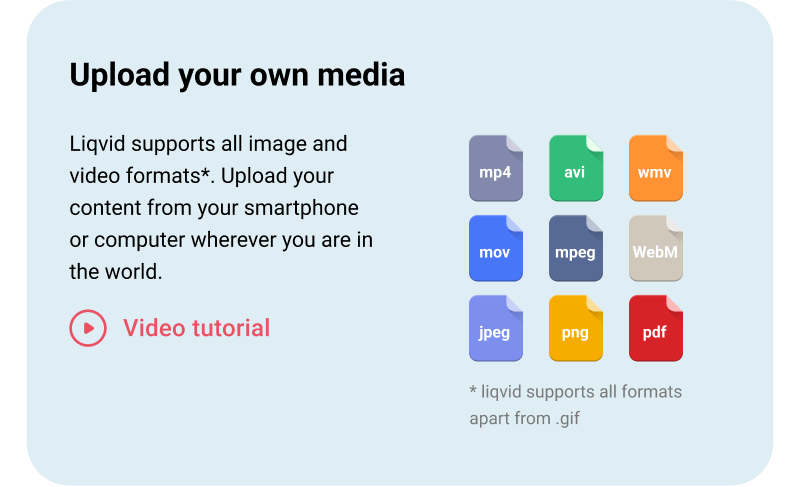
Upload your own media
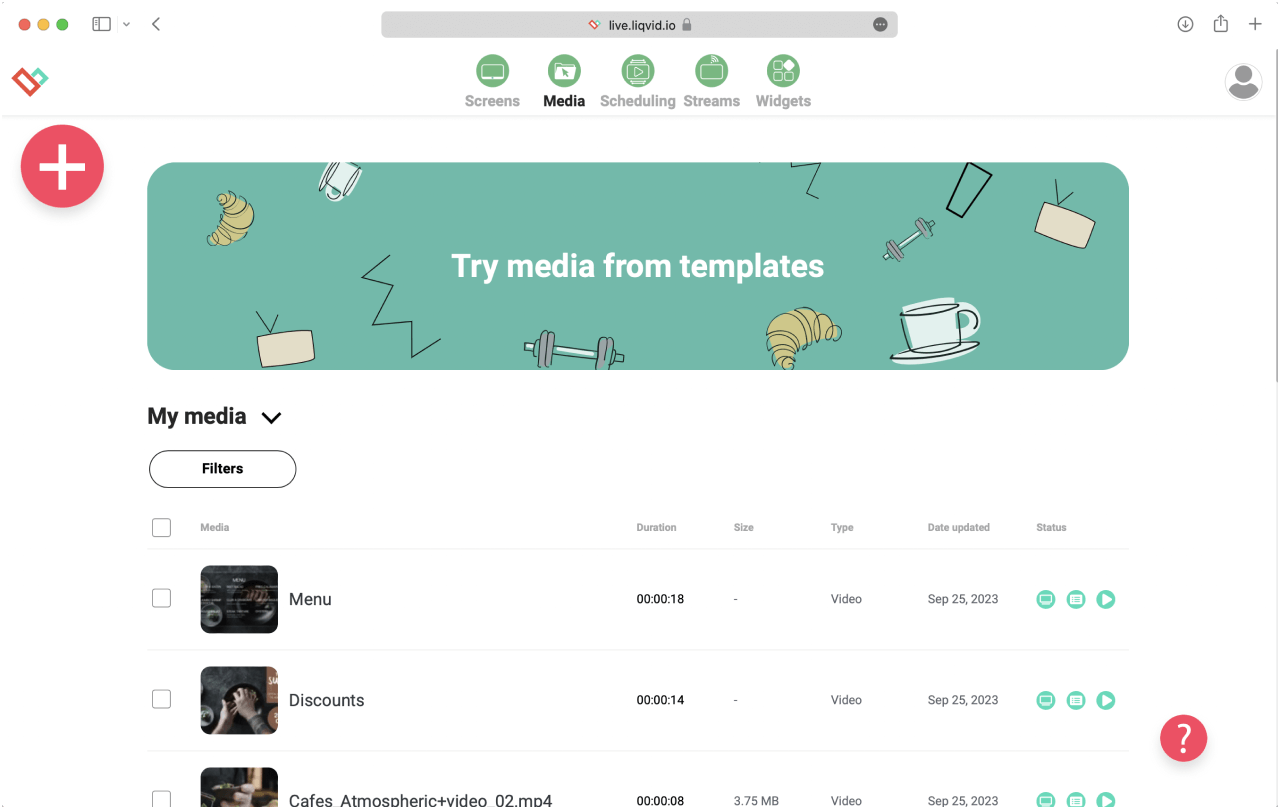
Push MP4 clips, JPG and PNG artwork, PDFs, slide decks, and web URLs into the central library. Each screen caches its assigned items so a Wi-Fi blip never blanks the playback.
DIRECT 1-CLICK PUBLISHING
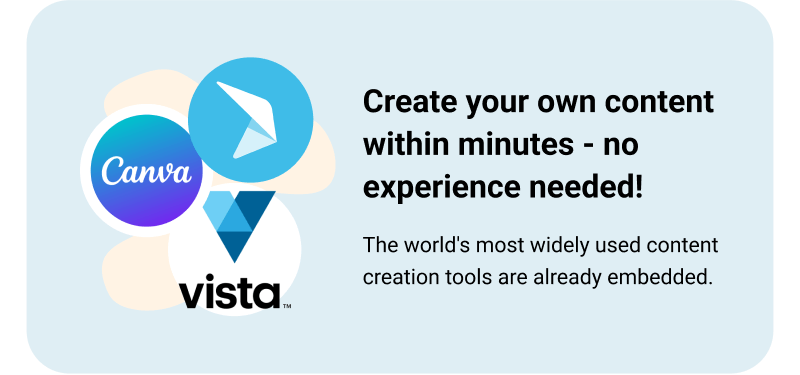
Create your own screen content within minutes — no experience needed!
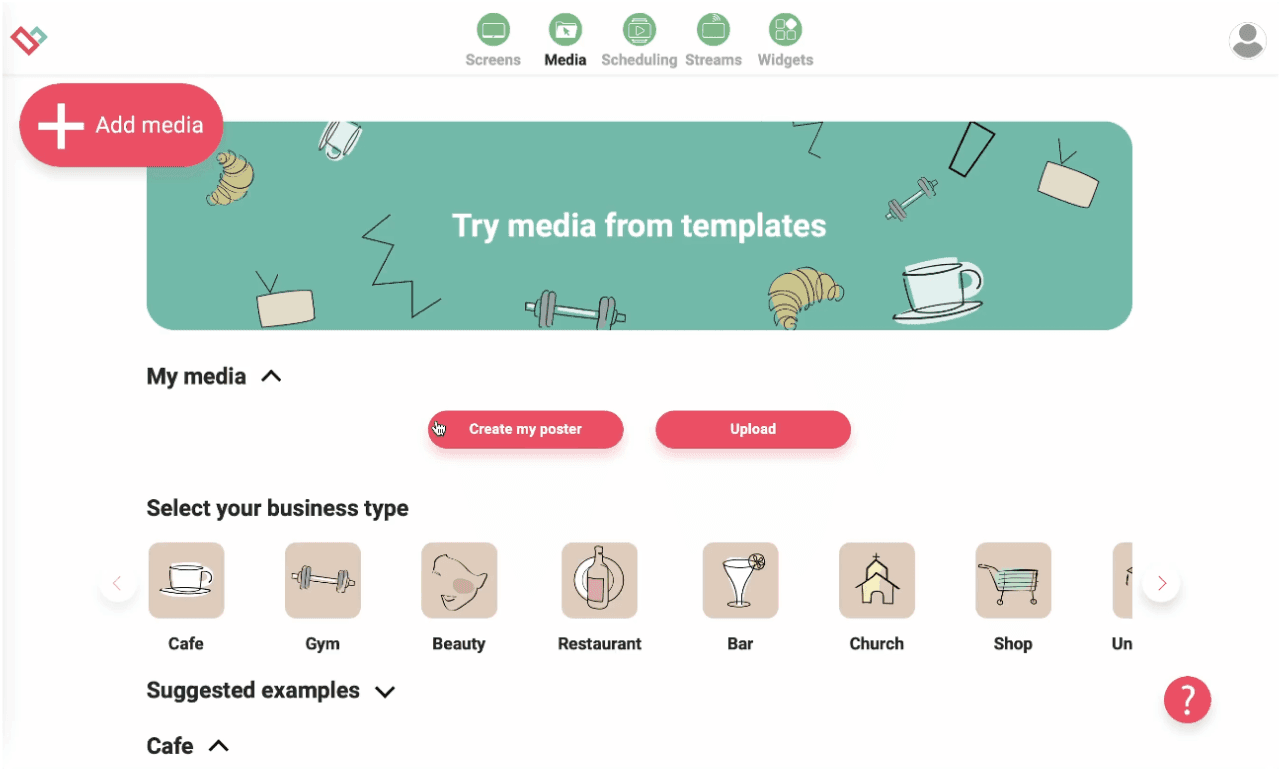
Starter templates cover the schedule board, the announcement card, the directory map, and the visitor-info card. The browser editor handles copy and colour swaps per building without a separate design tool.
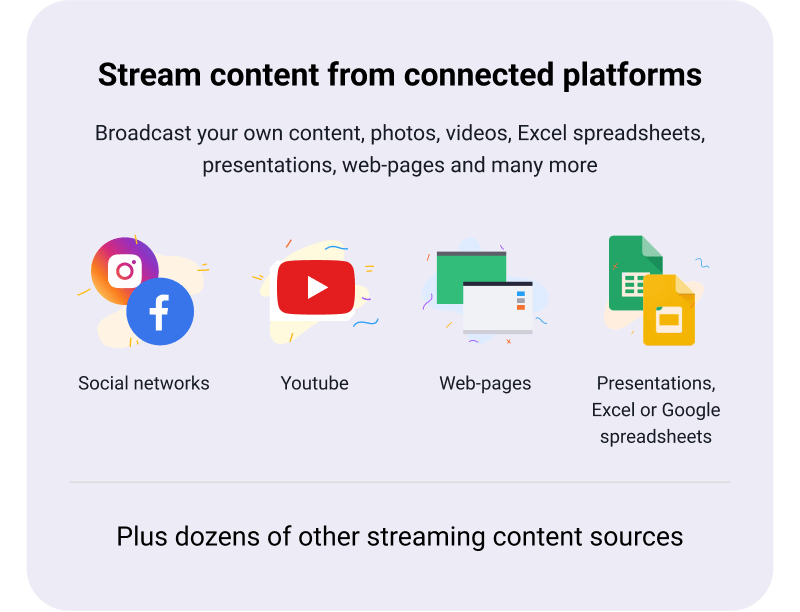
Stream content straight on TVs from connected platforms
Combine scheduled clips with live web feeds. A weather strip pins to the bottom of the screen while a rotating welcome card occupies the top - composed locally per device.
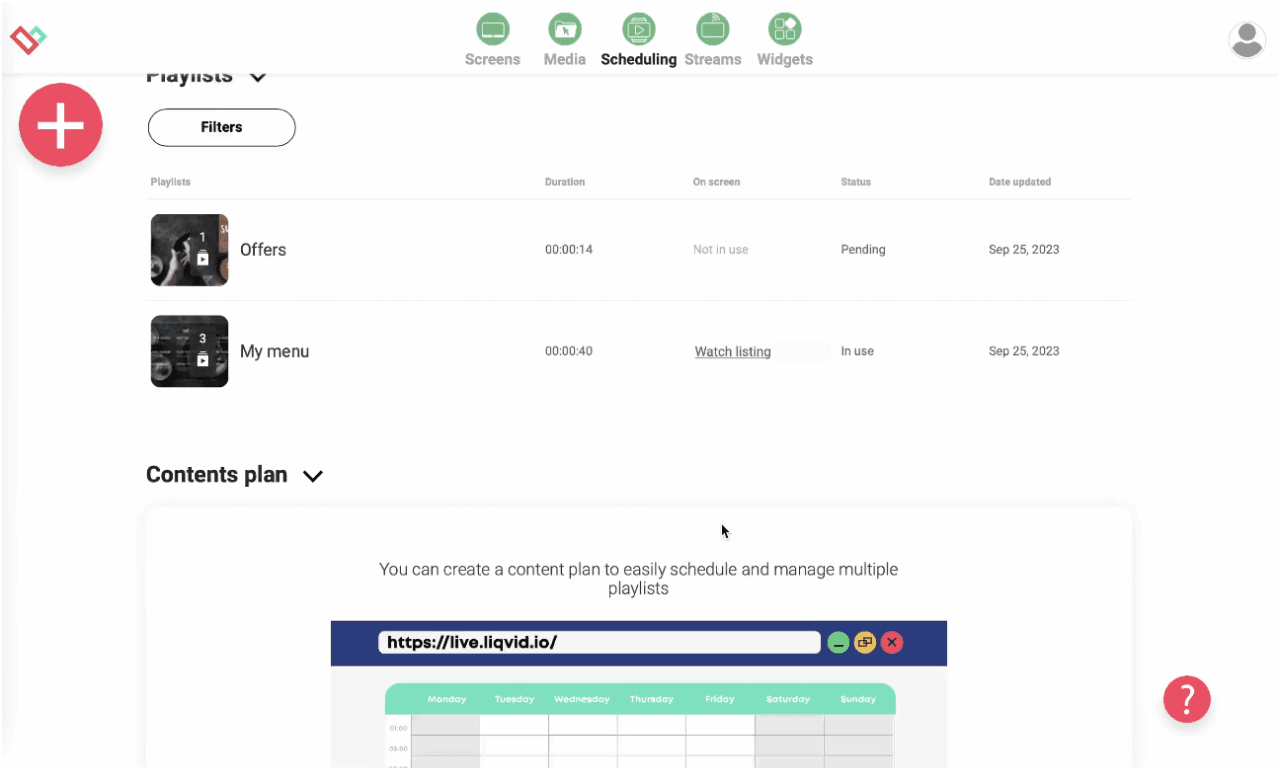
Effortlessly schedule screen content for specific times and locations
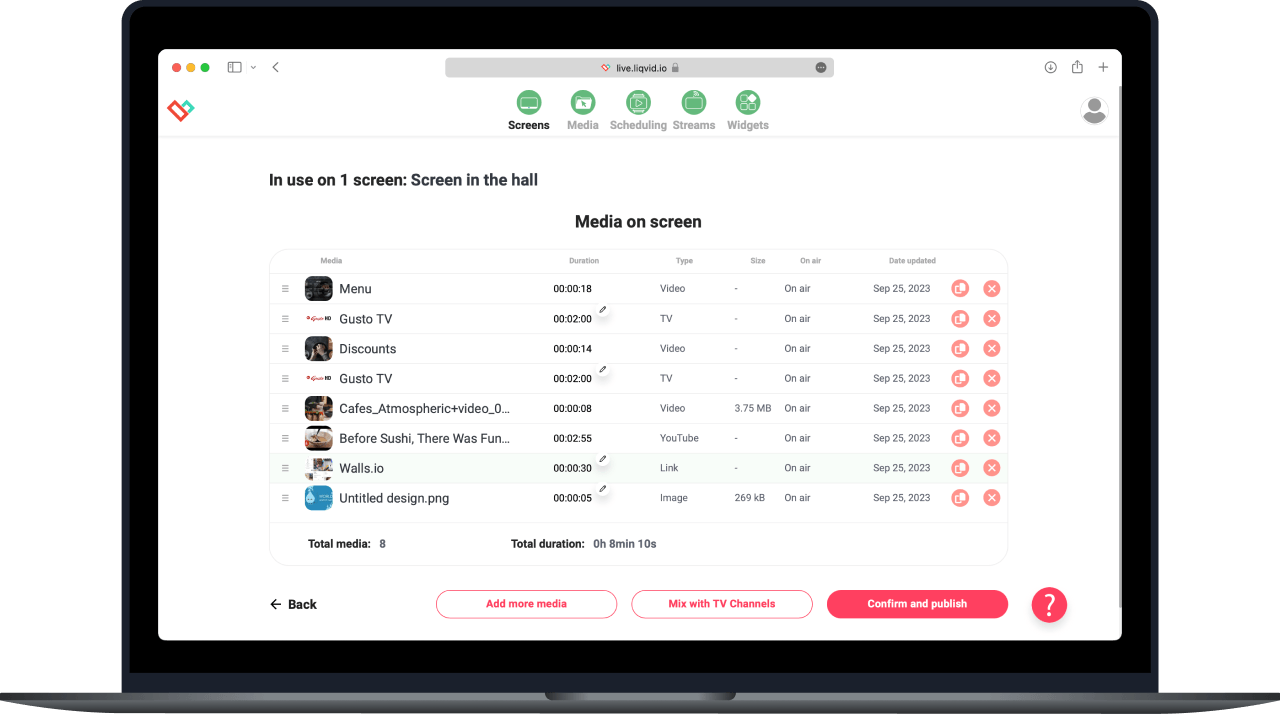
Build weekly grids by dragging media into the timeline. The screen picks up the change at next sync and rolls into the next playlist automatically; exception slots cover term breaks.
Experience Stability, Security, and Reliability for Your Peace of Mind
Local screen storage keeps the active playlist so playback survives Wi-Fi drops. Fleet health monitoring in the dashboard surfaces offline screens with one-click triage across the campus.
Worldwide Responsive Customer Support by Real People, Instant Assistance Available
Operates in 170 countries, multilingual
Unparalleled Data Security
Seamlessly Scalable: Easily Deploy 10 to 10,000s of Devices
Seamless signage mobile control with Liqvid's pocket-sized web-panel
Access to Premium Widgets for Audience Engagement: Entertainment, Information, Sales
16 unique high-demand features
App Auto start and restart for uninterrupted service
Auto updates for latest features
Large files compatibility
Works perfect for screens in
Fitness Clubs
Reception screens carry visitor-info cards and the event-of-the-week notice on rotation. The front desk updates the active card from a phone without calling IT.
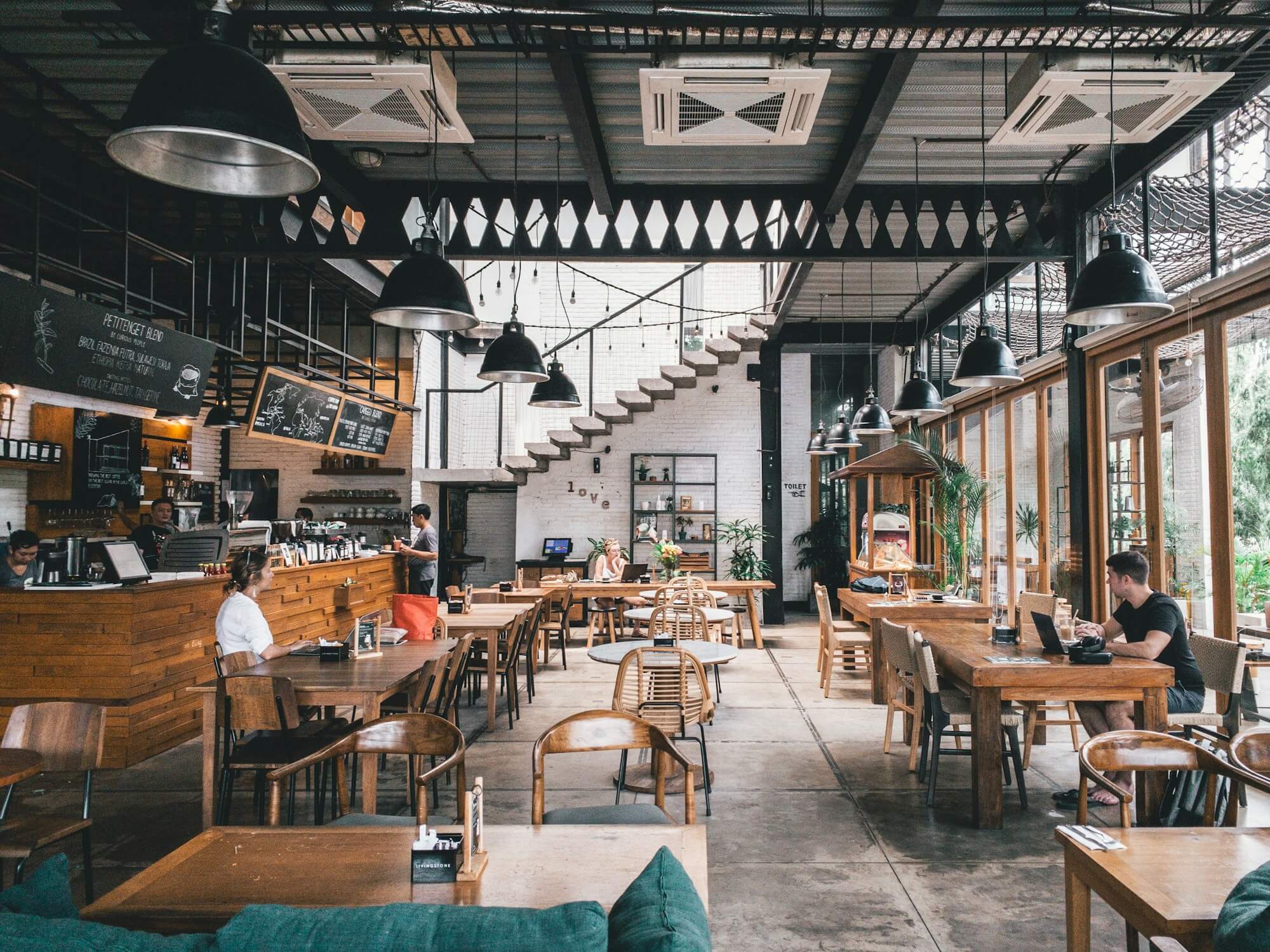
Cafes and Restaurants
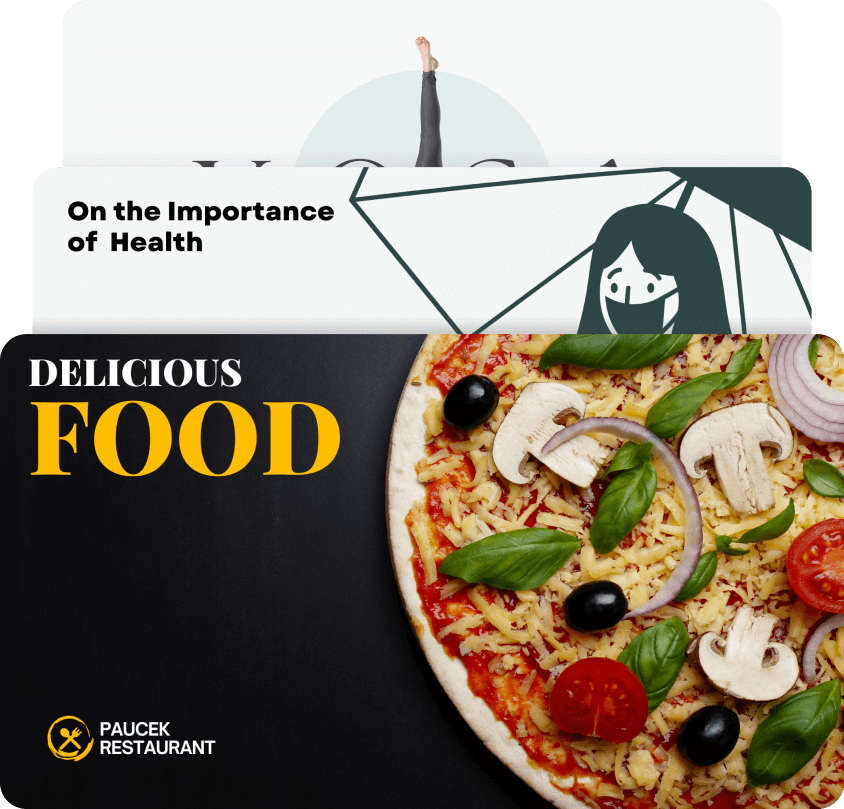
Dining screens cycle the menu loop, a nutrition note, and seasonal promos. Breakfast plays 7-10am; the lunch loop swaps automatically at the scheduled kitchen transition.
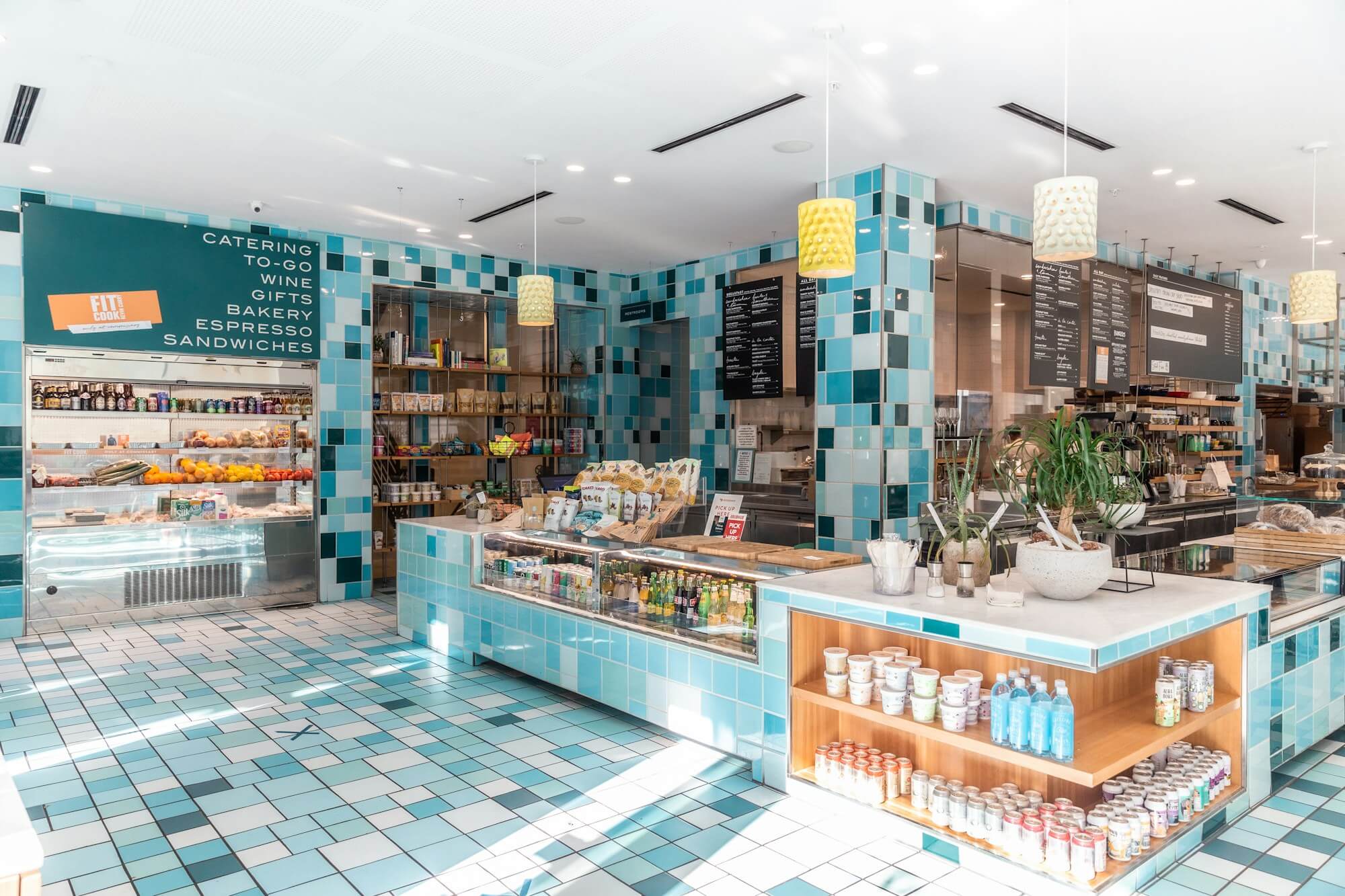
Shops, Retail outlets, Schools and Universities
Corridor screens run the directory map and the daily schedule board. The map highlights the active wing while the schedule lists what's open across shared rooms.
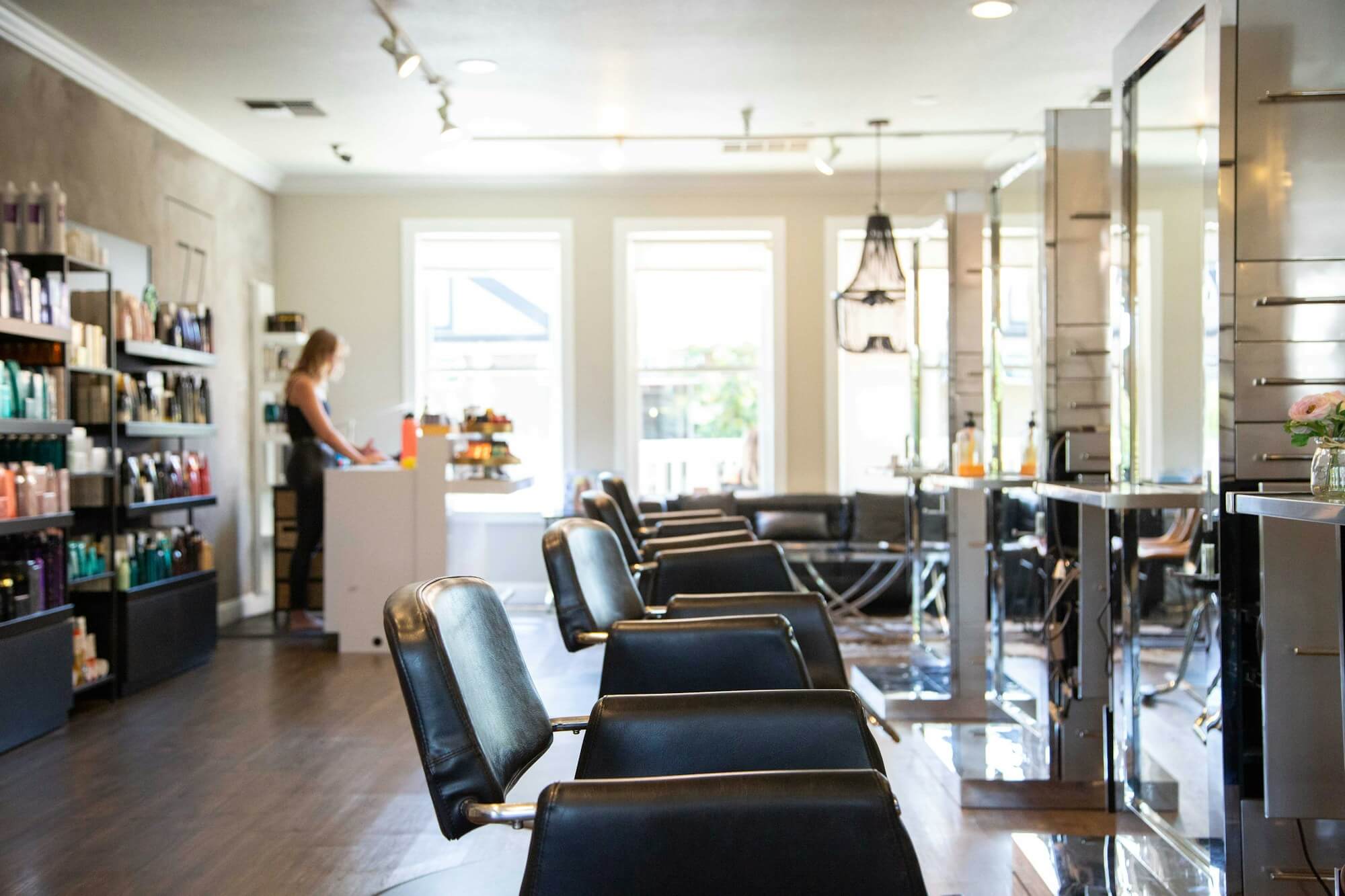
Hotels, SPAs, Medical Clinics and Beauty Salons
Screens group by building for multi-site venues. Publish a venue-wide announcement to every site, or scope a per-building schedule to one tag - same dashboard, two scopes.
Cases by Industries
Gyms
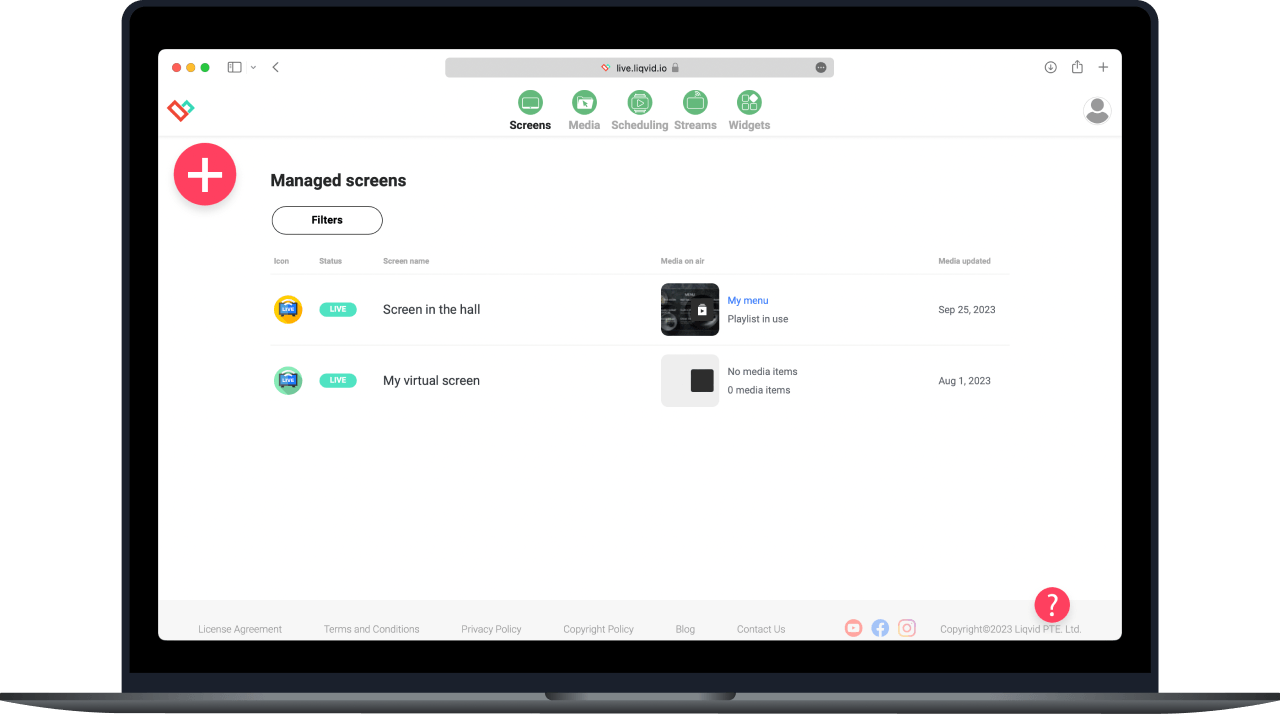
Browser-managed control handles scheduling, monitoring, and live preview. Uploads come from a phone at the entrance or a laptop in the office; the app on each screen handles display.
Cafés
Push the cafeteria menu loop from a tablet during prep. Roll out a closure notice across every screen in 30 seconds. Liqvid keeps signage work in the browser, not on the venue floor.
Beauty Salons
Begin with Liqvid: install the app on each screen from the dashboard and start publishing. The app scales from one lobby panel to a multi-site fleet without extra hardware.
Use content widgets to entertain, inform and sell to your audience
Dropbox
Walls.io
Seenspire
Taggbox
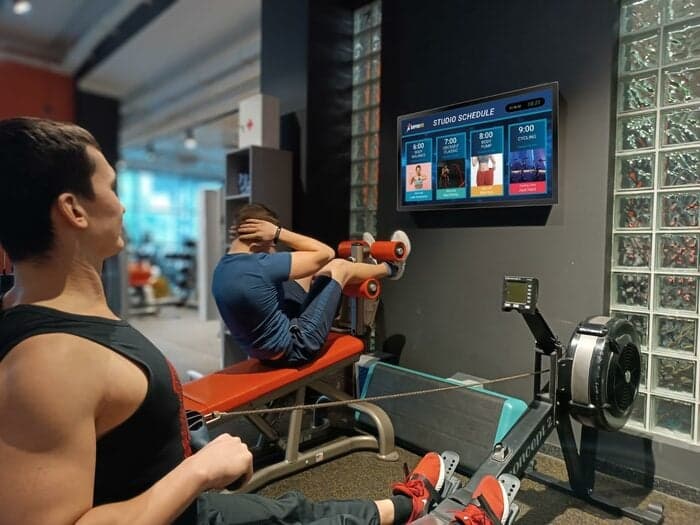
Liqvid.io — platform for screens in the gym your receptionist can manage!
Fitness Next Classes
Fitness Daily
Fitness Weekly
Say goodbye to outdated communication methods and hello to a better gym experience for your customers!
Unbeatable Prices in Your Area!
If you find a more affordable option, please let us know, and we'll match it. We offer flexible payments based on the number of screens connected.
Liqvid Free
Ideal for businesses evaluating our platform. Liqvid's free plan offers premium features, unlimited screens, and no usage expiry, with a small Liqvid watermark and storage limitations.
For businesses willing to pay for 100% of the modern features and functionality, along with unlimited media storage and support for large files, without any Liqvid ads or watermarks.
Includes unlimited access to all premium features, plus human-driven unlimited technical and customer support. Ideal for large organizations with 500+ screens.
Platform for screens in the gym that my receptionist can manage!
"We've relied on Liqvid for our fitness club screens. It's simple, powerful, and dependable. Makes managing content a breeze. Lots of features for gym screens content like daily schedules, upcoming classes, social walls. Highly satisfied."
George
Club manager IceBox Fit
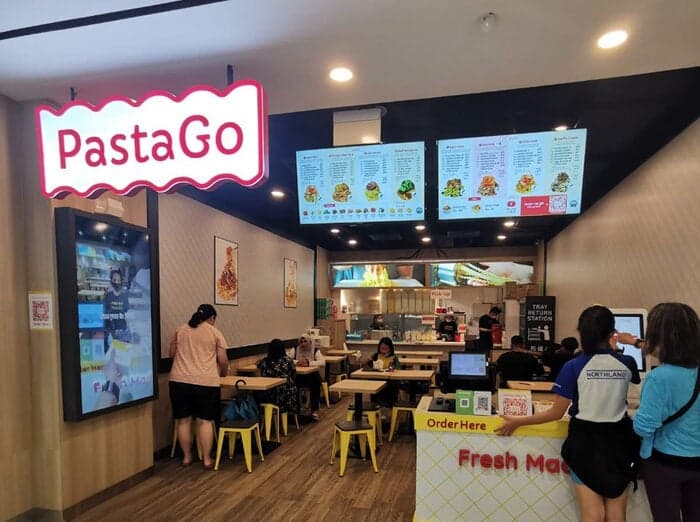
PastaGo's Menu Transformation with Liqvid
"Launched in 2022, PastaGo is a takeaway kiosks network of 10+ venues rapidly growing and serving our in-house-made pasta. Liqvid's menu boards have been a game-changer for us, and we're thrilled with the results."
Hian Meng N
Manager PastaGo
"Easy to use and navigate without much training!"
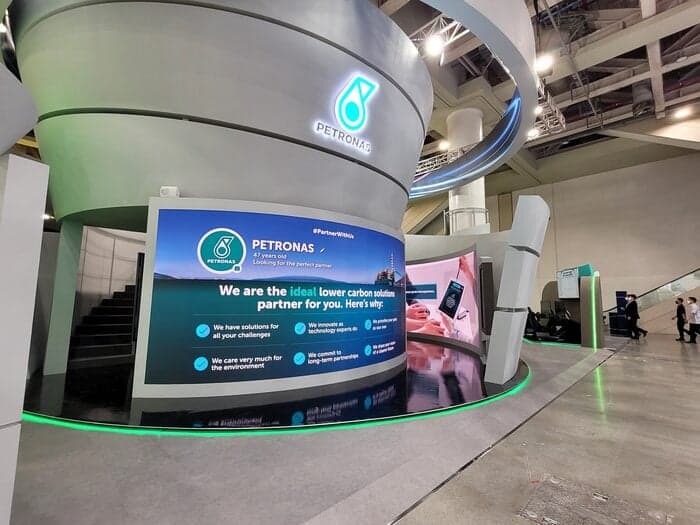
One of the world's largest oil and gas companies uses the Liqvid digital signage platform to communicate with thousands of employees across South-East Asia's multiple plants and factories.
Liqvid for the Win!
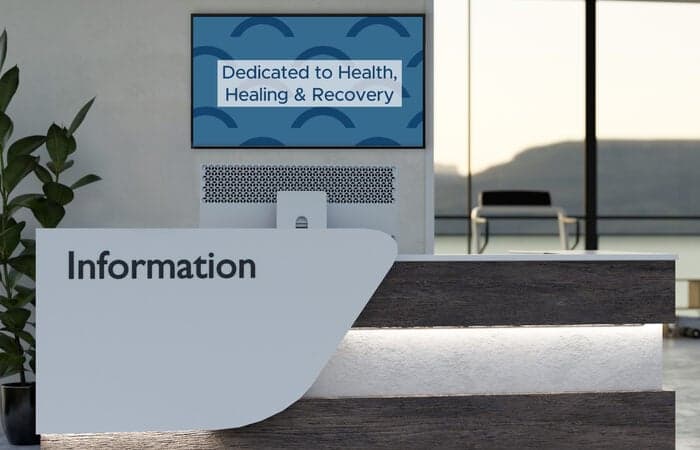
"Liqvid gives us a low cost product that provides the features we need for our lobbies and waiting areas. Cons - Nothing. We liked everything we saw about the product, and support has been excellent. Overall experience has been very positive."
Patrick M
CIO, Healthcare company, 500 employees
Liqvid Elevates Our Ambiance!
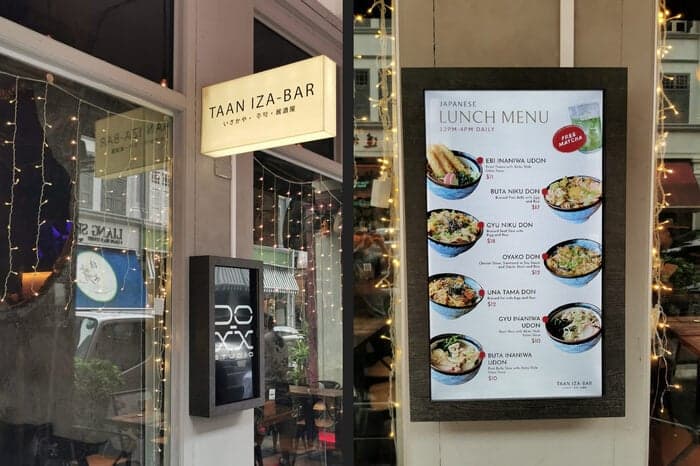
"TAAN IZA-BAR captures the essence of Japanese izakaya with a cozy, romantic ambiance in Singapore. Liqvid enhances our atmosphere."
Jeff
Owner
Common Questions
Can I show class schedules and announcements on school hallway screens?
Yes. Build a schedule playlist with announcements, lunch menus, and bell-time updates. Liqvid pushes the loop to every hallway screen from one dashboard.
How do I update content across a multi-campus school district?
Edit the playlist once and assign it to the campus group. Every screen in that group receives the update within 30 seconds.
Can teachers update screens in their own department zones?
Yes. Give each department admin a dashboard login limited to their screen group. They edit and publish without touching other zones.
Does Liqvid support emergency messaging on school screens?
Yes. Prepare an emergency playlist in advance; from any browser, an admin can switch every screen to the emergency loop in one click.
What hardware does a school need for hallway signage?
An Android TV, Chromecast, Amazon Fire, or Xiaomi stick plugged into each hallway TV. Install Liqvid, sign in, and assign the screen to the campus group.
Take the Next Step in Screen Management
Seamlessly integrate and manage all your digital displays with one intuitive platform. Choose Liqvid to elevate your business, improve your customer interactions, and achieve remarkable growth.