7000+ Companies Across 80+ Countries Use Liqvid to Share Content on Their Screens
Trusted by
Excellent reviews
Your Powerful Yet Painless Screen Management Solution
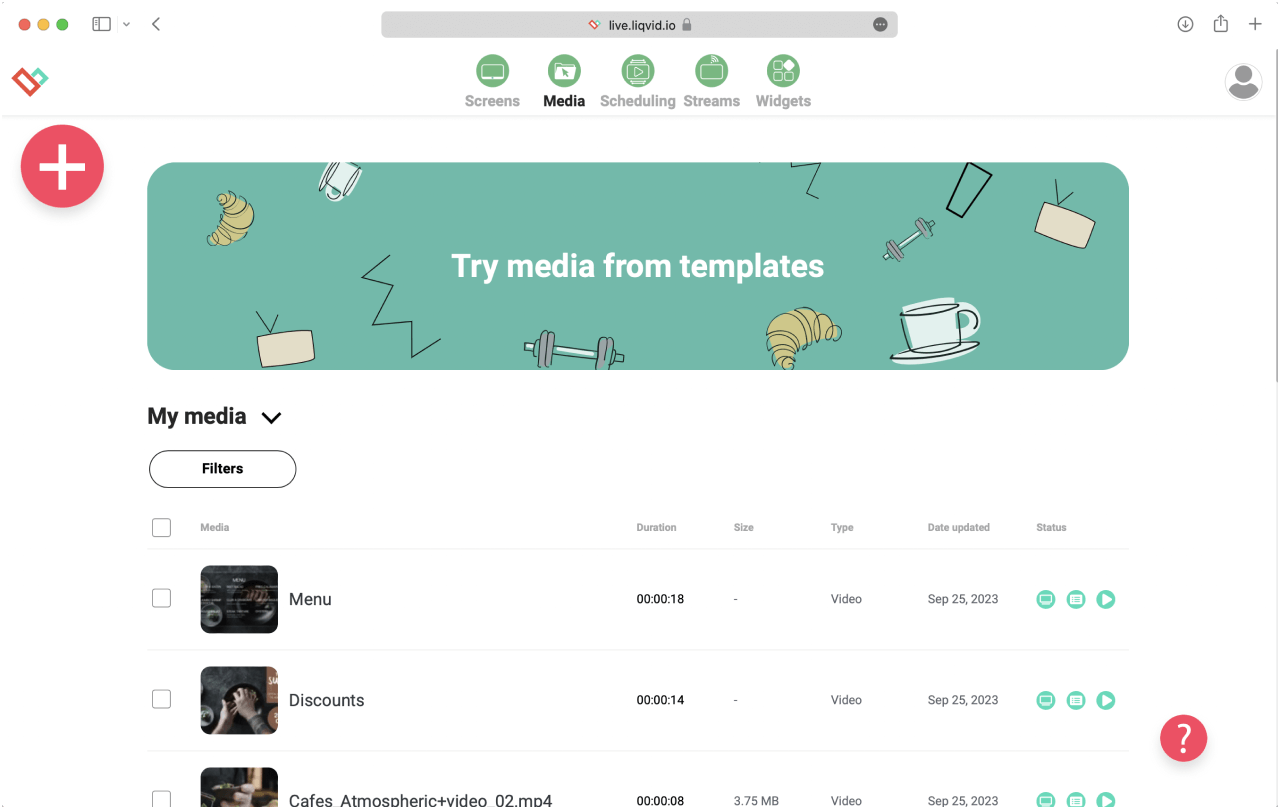
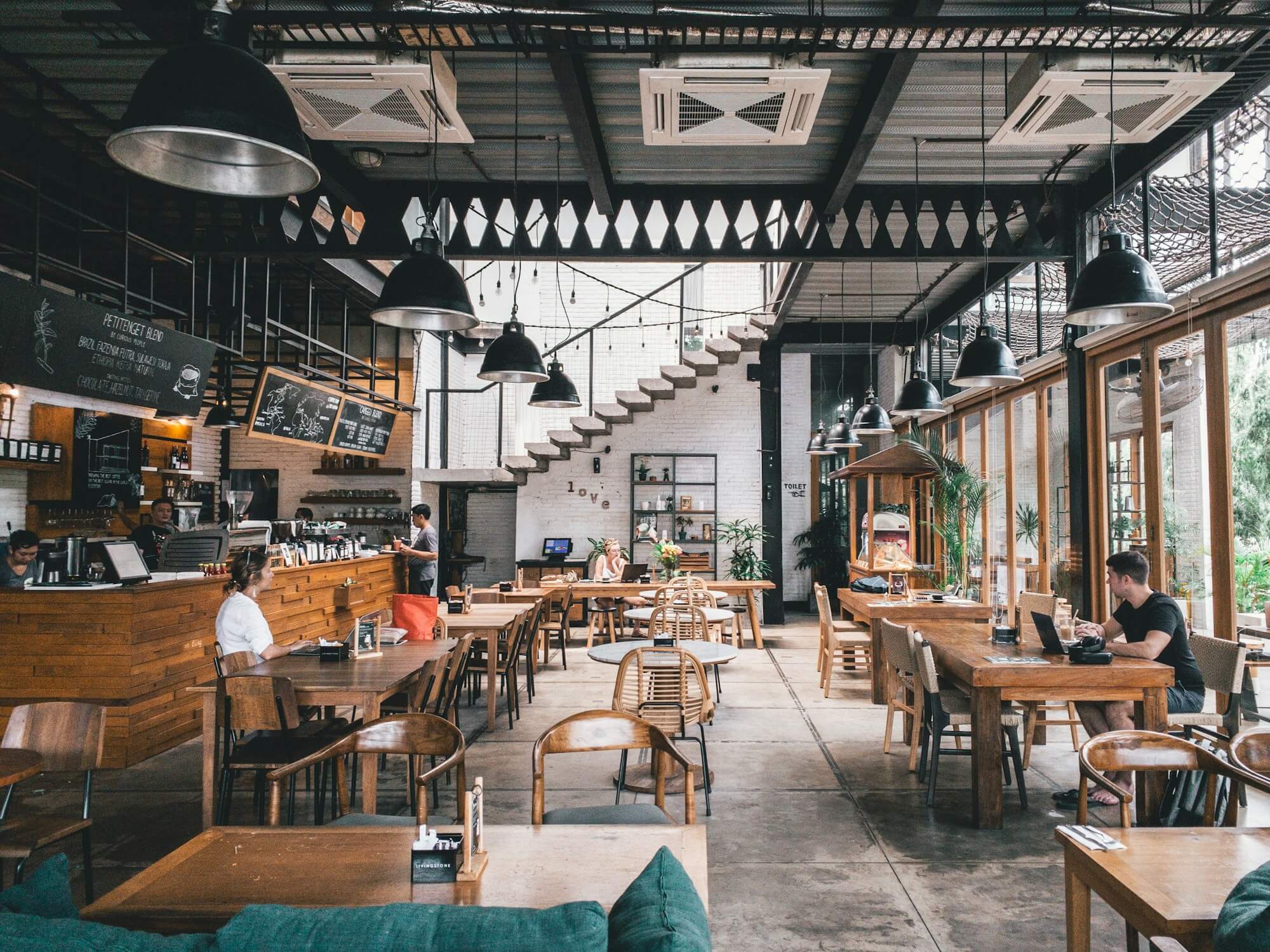
Cafes from Berlin to Singapore set up digital signage cafe playlists on Android TV, Chromecast, Amazon Fire, and Xiaomi sticks behind the counter. Liqvid Digital Signage handles uploads and schedules from any browser. First screen goes live in 15 minutes.
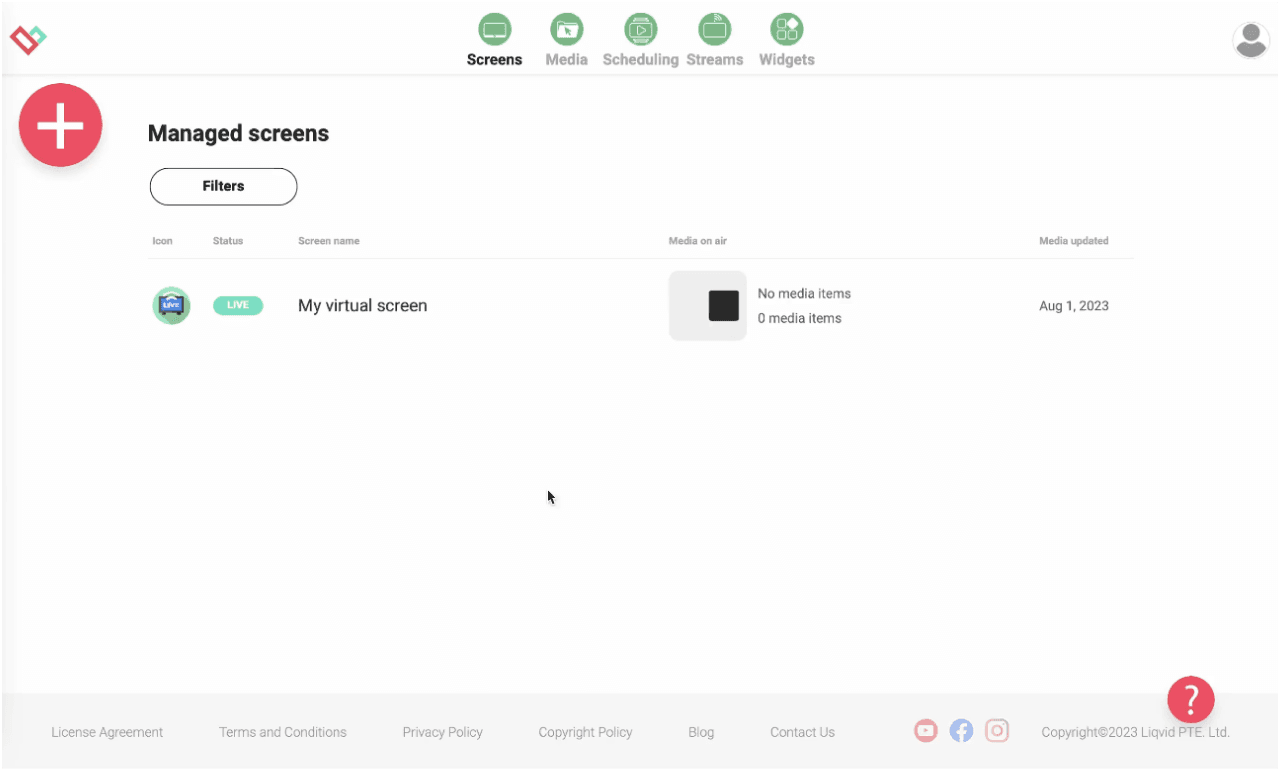
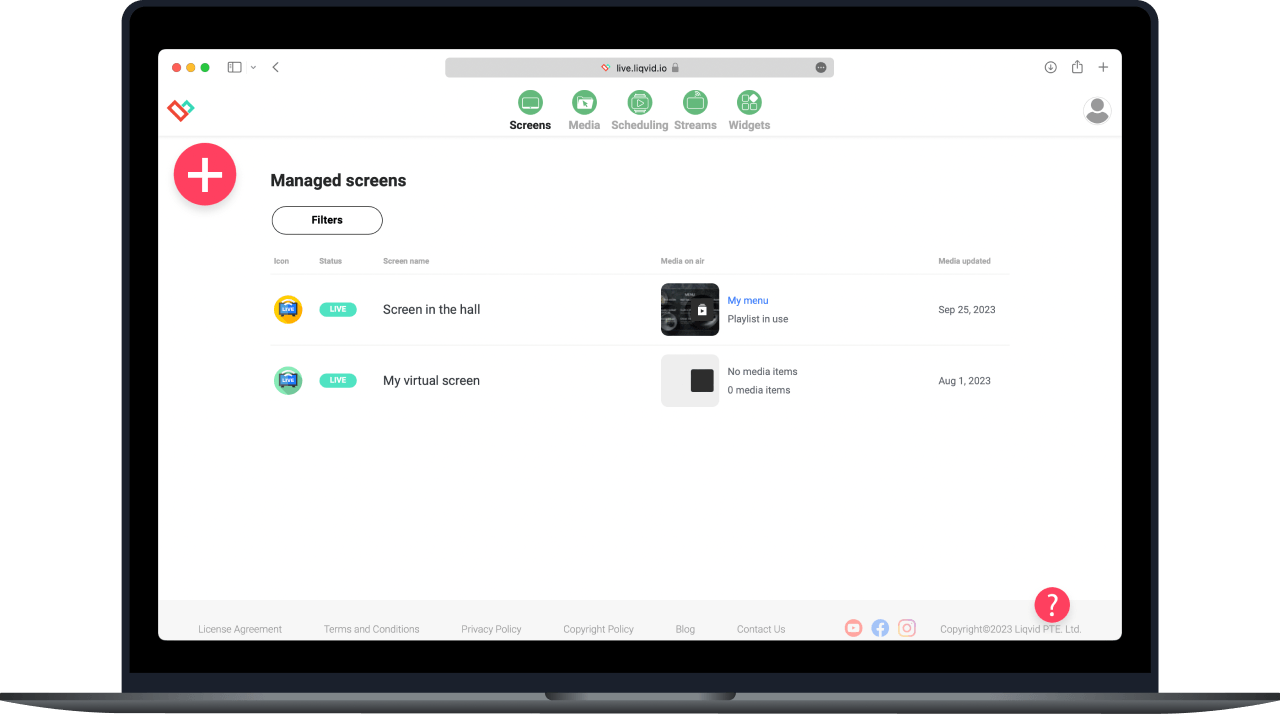
Operators run every cafe screen from a single browser map. The morning-shift manager swaps the breakfast board for the lunch menu at 11am with two clicks; nobody walks to the screen. Multi-location cafes see a row per venue in the dashboard.
Coffee chains run the fleet from a cloud account. There is no on-site PC, no separate licence per stick, no monthly server bill. Premium plans add unlimited media storage and overlap-aware scheduling for cafes that expand to a second venue.
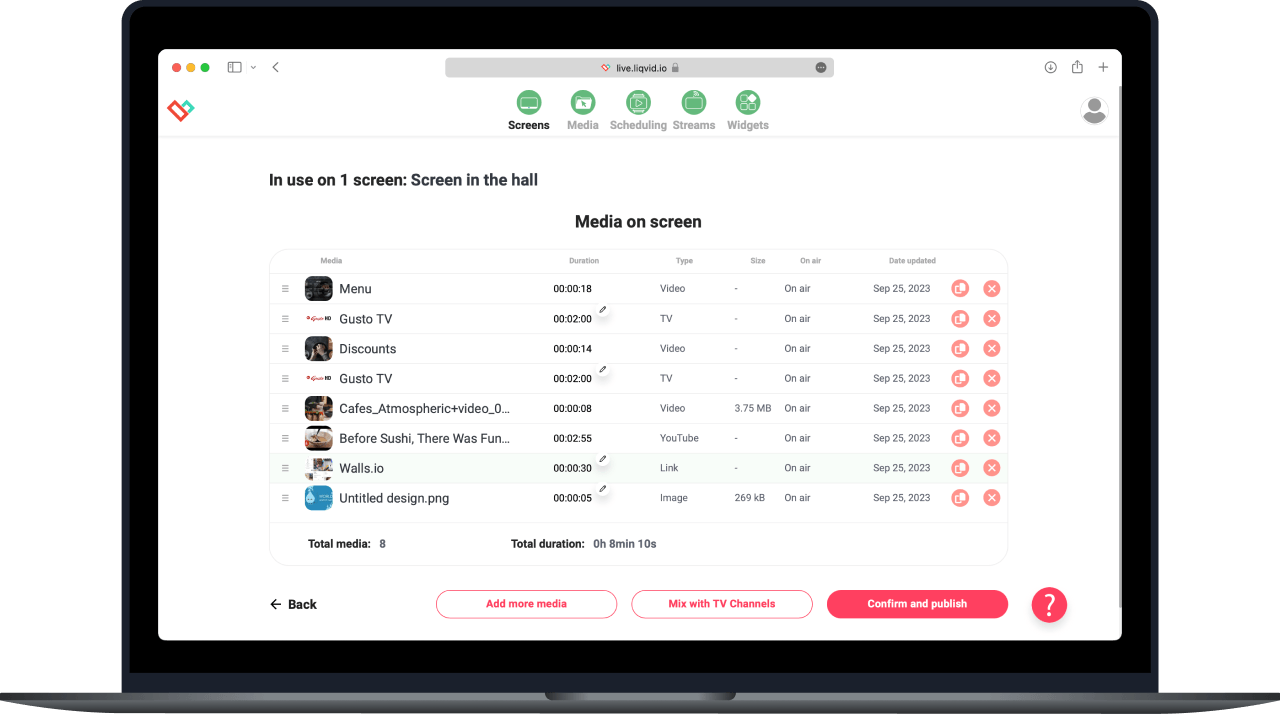
Take full remote control of your screens in multiple locations from anywhere
Cafe owners drop the USB-stick workflow on day one. The morning crew updates the croissant special from the back-office laptop while the front screen keeps playing. Files live in one shared library, tagged by venue and meal-time.
Utilize seamless compatibility with Android, Android TV, and Amazon Smart TVs
On Android sticks, the player installs from Google Play or the Amazon Appstore on the screen itself. Sign-in is a code shown on the TV; the cafe owner scans it from the phone. The app autostarts on power-up, so the morning bar boots into the breakfast loop.
Your Content, Your Way: Upload, Create, Stream, Share
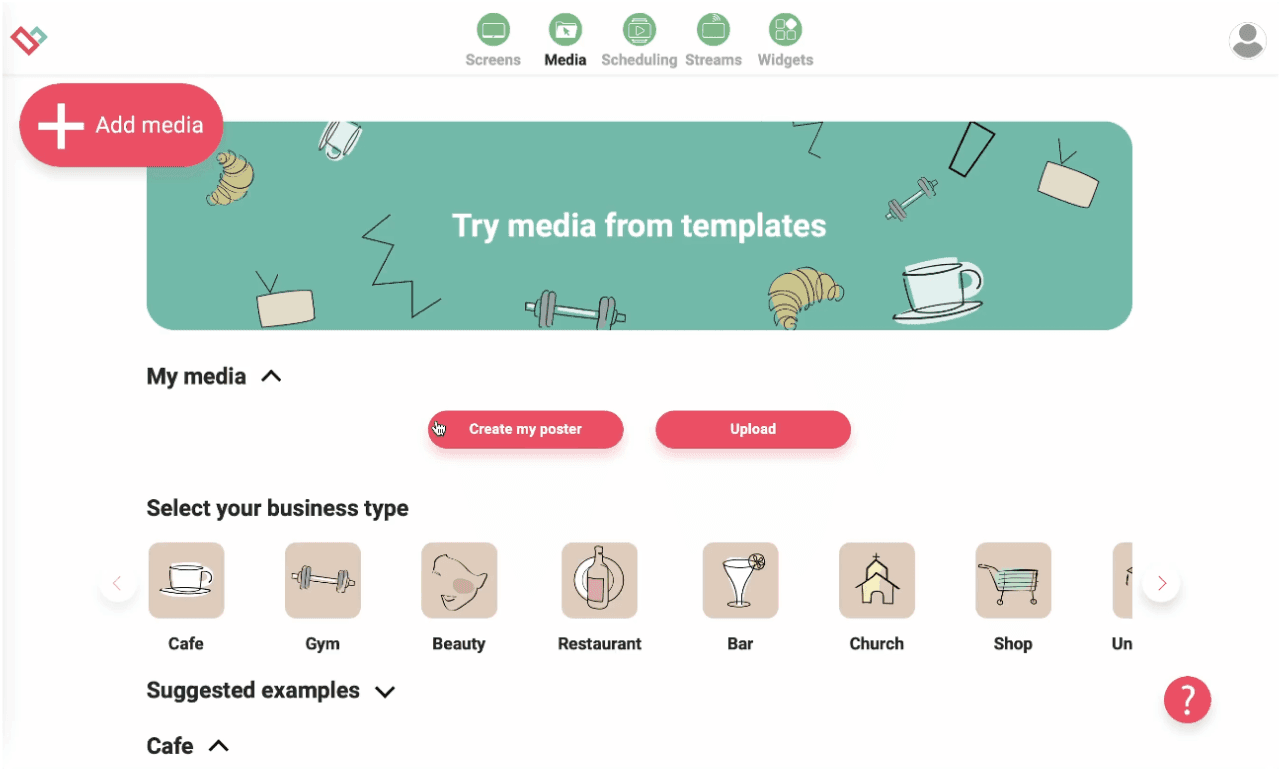
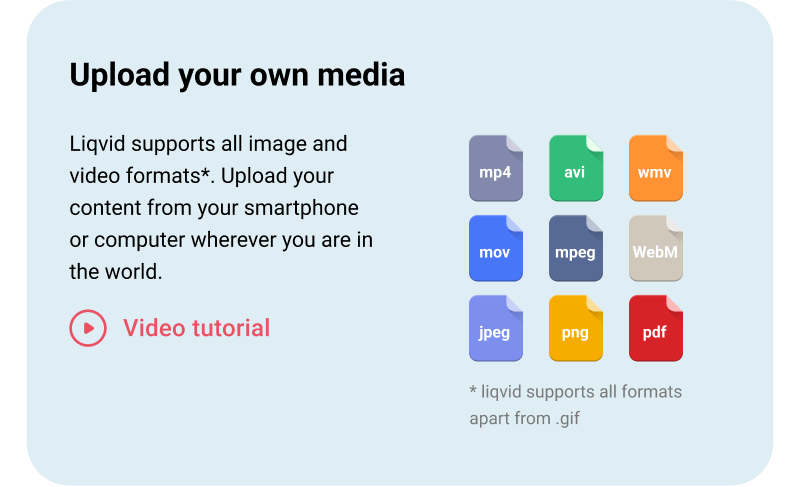
Upload your own media
Push MP4 reels, MOV trailers, JPG menu photos, and PDF allergen cards into the library from any browser. The cloud transcodes on upload so the same espresso shot looks crisp on the 32-inch counter TV and the 55-inch wall display.
DIRECT 1-CLICK PUBLISHING
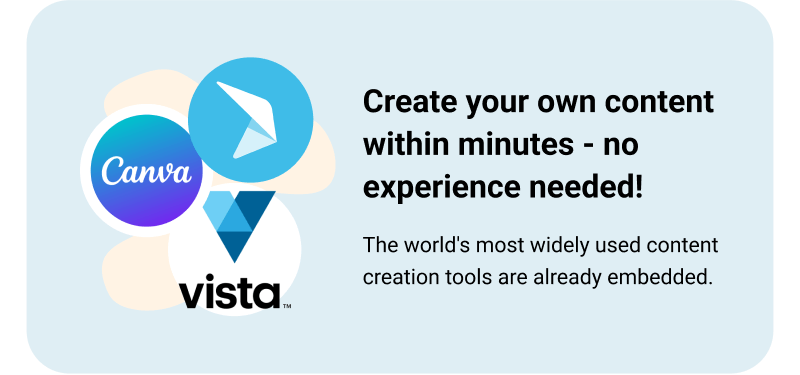
Create your own screen content within minutes — no experience needed!
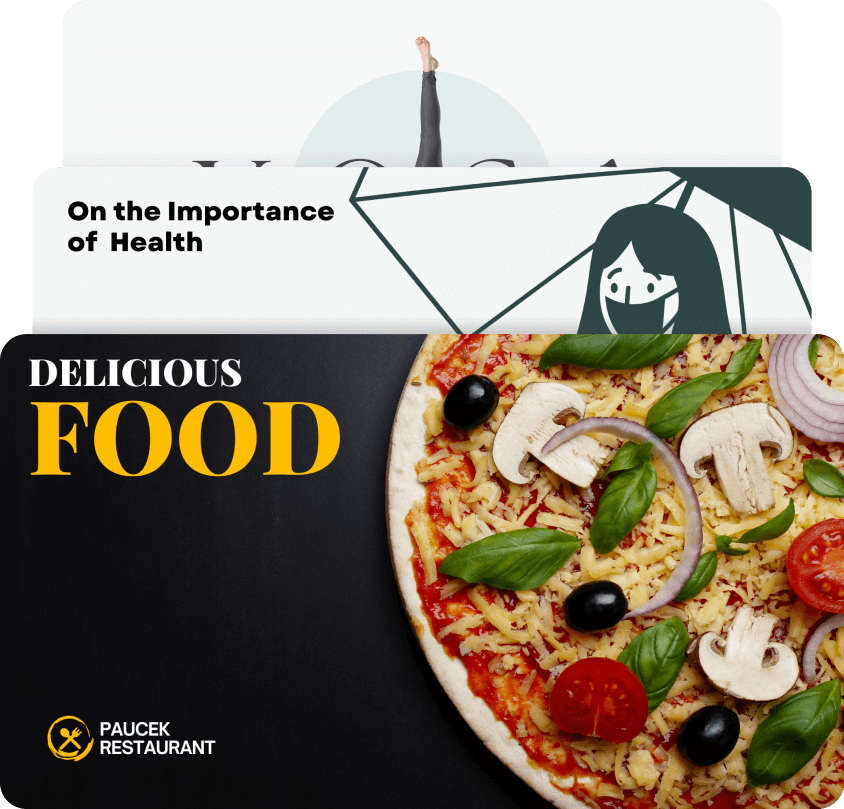
Cafe managers build daily-special slides and loyalty-card promos inside the editor. The browser-based design tool exports straight to the playlist running on the counter screen. No design seat to buy, no installer to chase down.
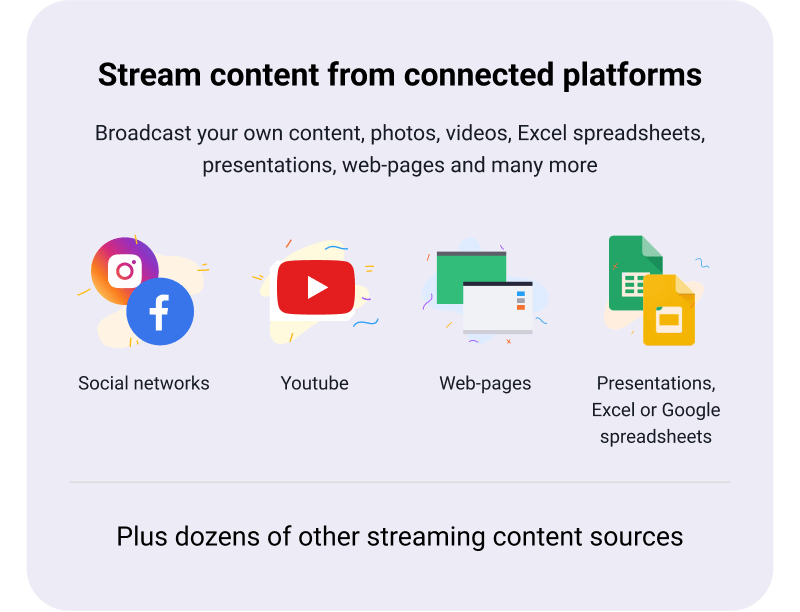
Stream content straight on TVs from connected platforms
Pull weather widgets, RSS news headlines, web menu pages, and PDF allergen sheets into rotation alongside the espresso menu. Cafes near a train station drop in a live departures feed for commuters waiting at the counter.
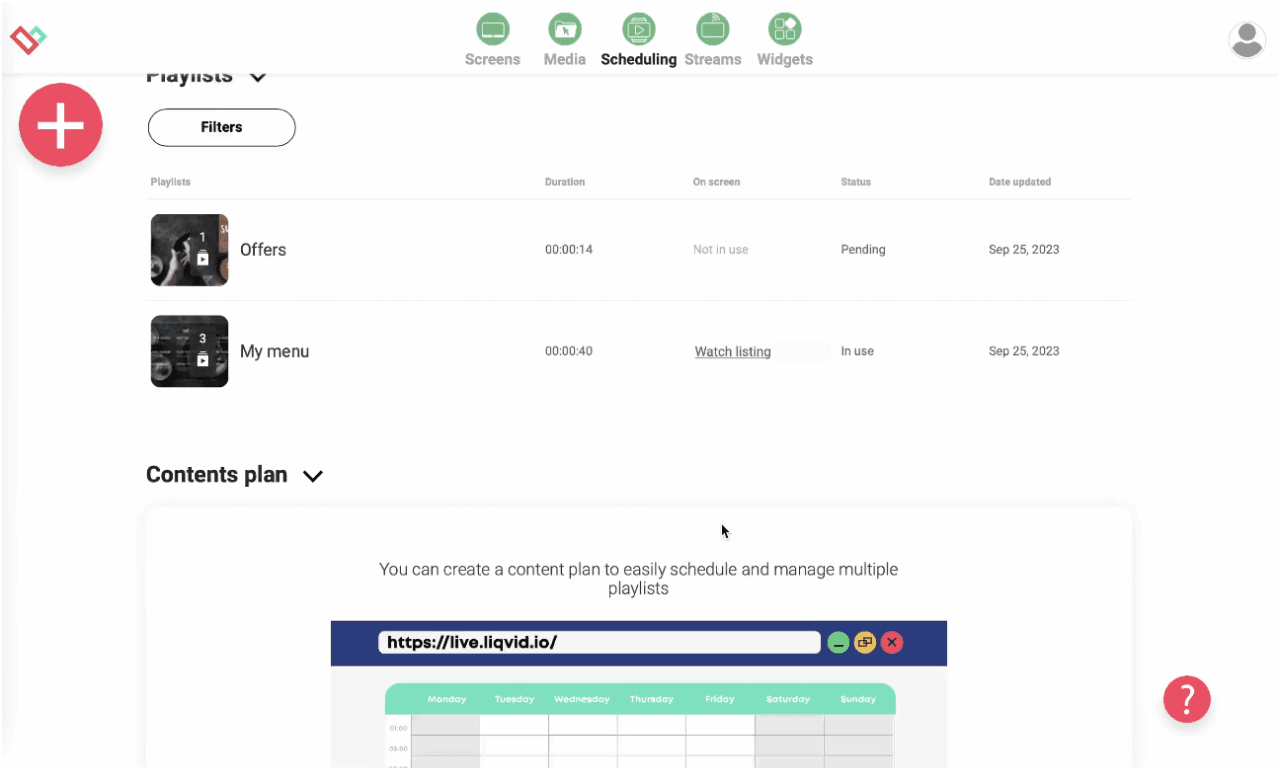
Effortlessly schedule screen content for specific times and locations
Schedule a 7am breakfast loop, an 11am lunch rotation, and a 3pm afternoon-coffee playlist; each plays without manual touch. Operators drag clips into named time slots; the calendar publishes on save. Holiday schedules clone last year's calendar.
Experience Stability, Security, and Reliability for Your Peace of Mind
Each player caches the active loop on the stick, so a router reboot during the morning rush never blanks the counter. Playback resumes on the same frame when Wi-Fi returns. Uploads use encrypted tokens; only signed-in staff reach the dashboard.
Worldwide Responsive Customer Support by Real People, Instant Assistance Available
Operates in 170 countries, multilingual
Unparalleled Data Security
Seamlessly Scalable: Easily Deploy 10 to 10,000s of Devices
Seamless signage mobile control with Liqvid's pocket-sized web-panel
Access to Premium Widgets for Audience Engagement: Entertainment, Information, Sales
16 unique high-demand features
App Auto start and restart for uninterrupted service
Auto updates for latest features
Large files compatibility
Works perfect for screens in
Fitness Clubs
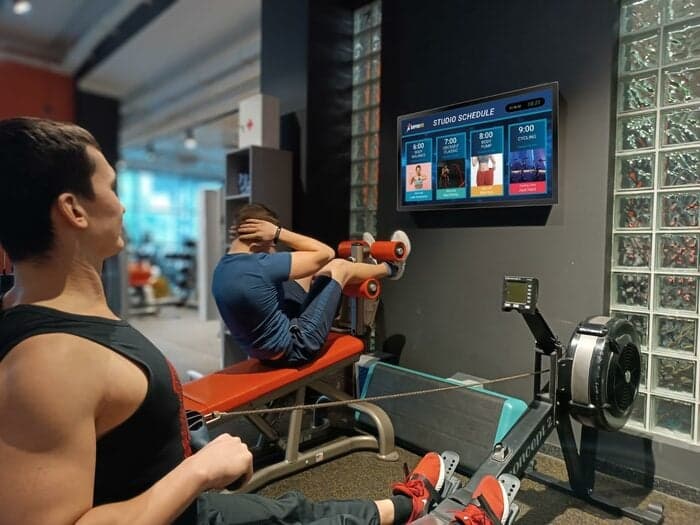
A cafe with a fitness corner inside the venue runs class-schedule reels on the studio TV and breakfast menus on the counter screen, both from one Liqvid account.
Cafes and Restaurants
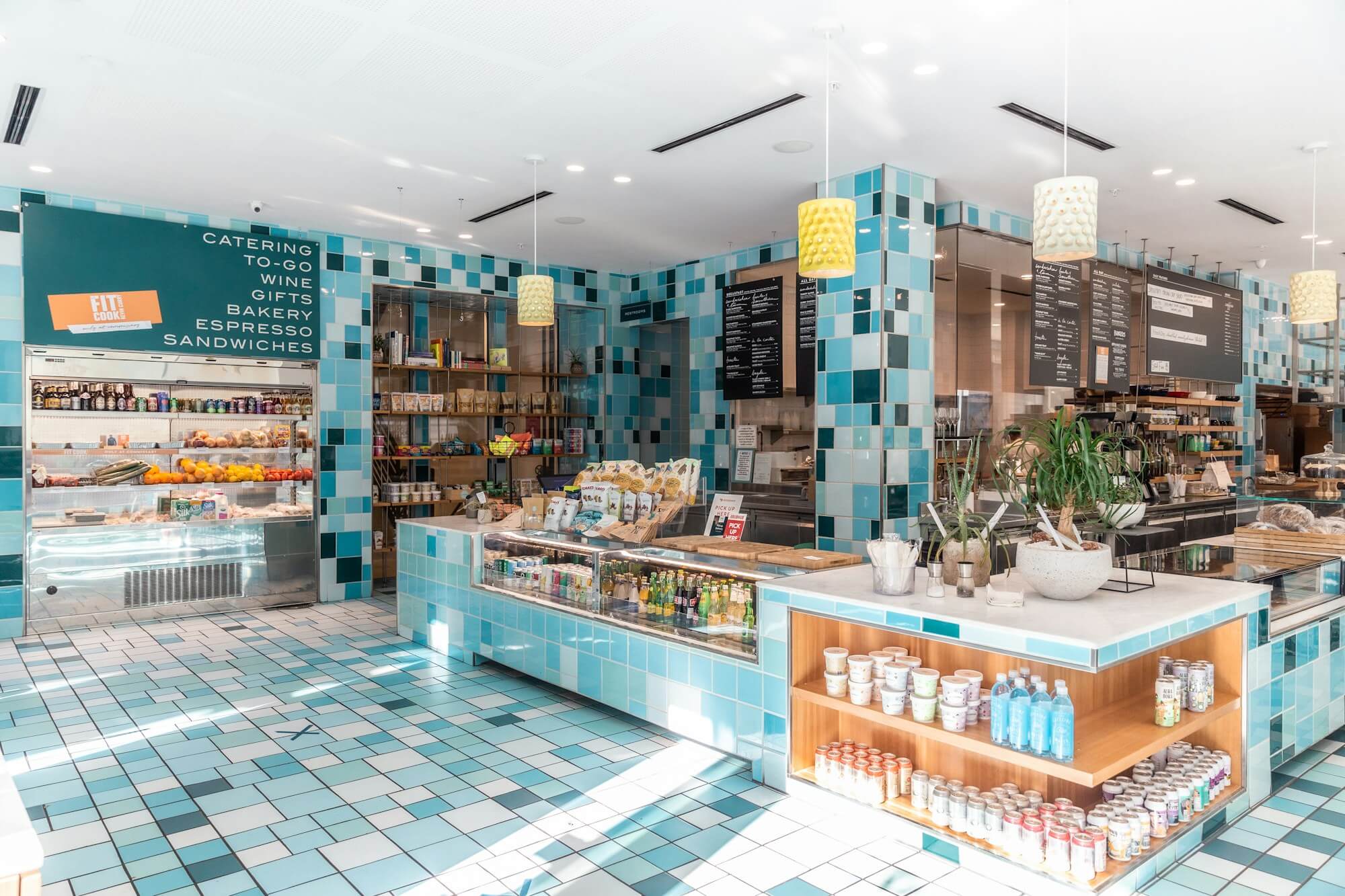
Cafe counters carry the breakfast board, a barista-pick highlight, and a loyalty-card prompt. Each frame is 8 seconds, so customers in line see three messages before reaching the till.
Shops, Retail outlets, Schools and Universities
Cafes near a high street pair a Wednesday quiz-night poster on the back wall with a weekend-brunch reel on the front counter. The same dashboard also serves a co-located retail shelf or a small clinic in the same complex.
Hotels, SPAs, Medical Clinics and Beauty Salons
Boutique hotels run a ground-floor cafe and centralise both surfaces on one account. The cafe runs menu rotations; the hotel lobby upstairs runs concierge tips and local-weather cards, scheduled separately but billed together.
Cases by Industries
Gyms
Cafes that share a wall with a yoga studio publish drop-in class promos and trainer-spotlight reels on the studio TV, while the cafe counter shows the morning menu, all from the same dashboard.
Cafés
Coffee-of-the-week slides lead the cafe counter loop, with barista-pick highlights and loyalty-card promos rotating beside them. Seasonal-drink launches and weekend-event line-ups fill the afternoon rotation, scheduled in advance.
Beauty Salons
Open the dashboard in any browser, install the Liqvid player on the cafe counter TV, and your first menu loop goes live in under 15 minutes. Beauty-corner screens in mixed-use cafes run on the same account.
Use content widgets to entertain, inform and sell to your audience
Dropbox
Walls.io
Seenspire
Taggbox
Liqvid.io — platform for screens in the gym your receptionist can manage!
Fitness Next Classes
Fitness Daily
Fitness Weekly
Say goodbye to outdated communication methods and hello to a better gym experience for your customers!
Unbeatable Prices in Your Area!
If you find a more affordable option, please let us know, and we'll match it. We offer flexible payments based on the number of screens connected.
Liqvid Free
Ideal for businesses evaluating our platform. Liqvid's free plan offers premium features, unlimited screens, and no usage expiry, with a small Liqvid watermark and storage limitations.
For businesses willing to pay for 100% of the modern features and functionality, along with unlimited media storage and support for large files, without any Liqvid ads or watermarks.
Includes unlimited access to all premium features, plus human-driven unlimited technical and customer support. Ideal for large organizations with 500+ screens.
Platform for screens in the gym that my receptionist can manage!
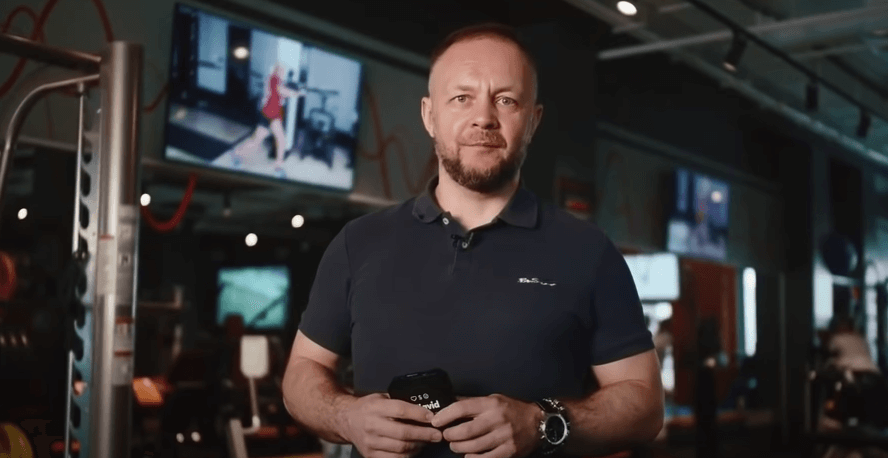
"We've relied on Liqvid for our fitness club screens. It's simple, powerful, and dependable. Makes managing content a breeze. Lots of features for gym screens content like daily schedules, upcoming classes, social walls. Highly satisfied."
George
Club manager IceBox Fit
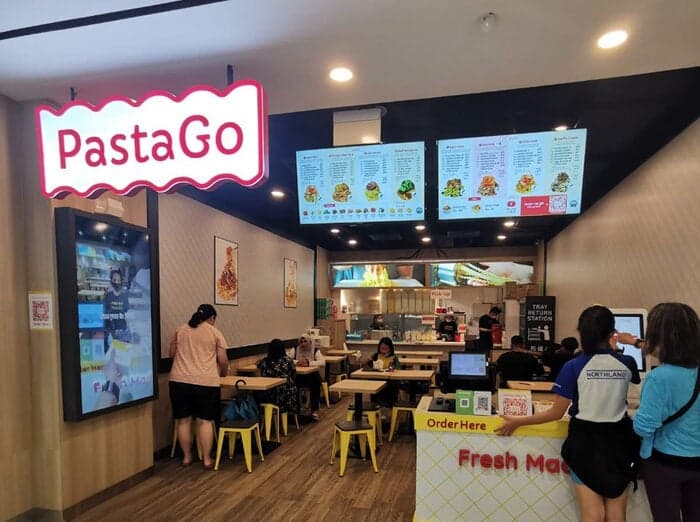
PastaGo's Menu Transformation with Liqvid
"Launched in 2022, PastaGo is a takeaway kiosks network of 10+ venues rapidly growing and serving our in-house-made pasta. Liqvid's menu boards have been a game-changer for us, and we're thrilled with the results."
Hian Meng N
Manager PastaGo
"Easy to use and navigate without much training!"
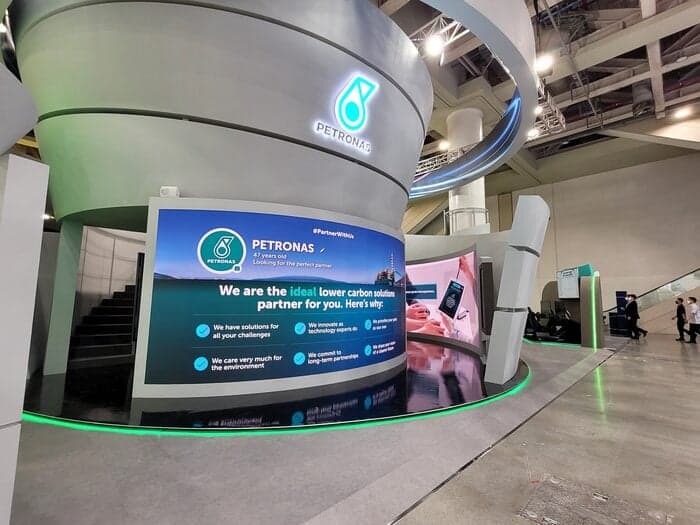
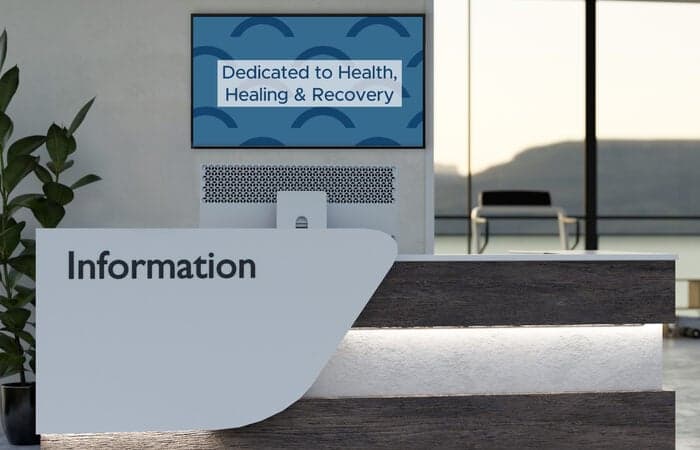
One of the world's largest oil and gas companies uses the Liqvid digital signage platform to communicate with thousands of employees across South-East Asia's multiple plants and factories.
Liqvid for the Win!
"Liqvid gives us a low cost product that provides the features we need for our lobbies and waiting areas. Cons - Nothing. We liked everything we saw about the product, and support has been excellent. Overall experience has been very positive."
Patrick M
CIO, Healthcare company, 500 employees
Liqvid Elevates Our Ambiance!
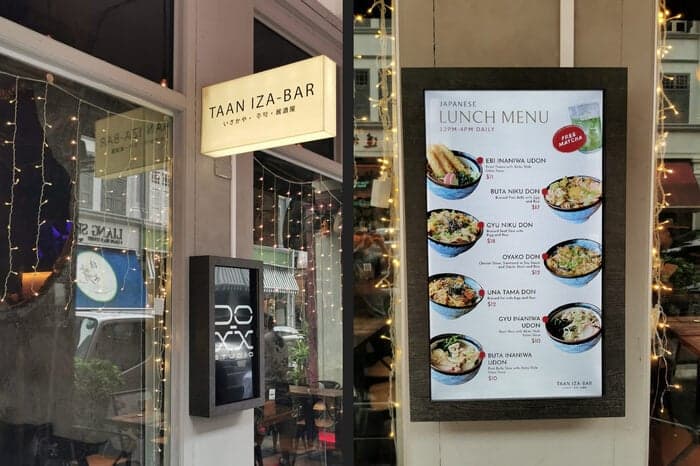
"TAAN IZA-BAR captures the essence of Japanese izakaya with a cozy, romantic ambiance in Singapore. Liqvid enhances our atmosphere."
Jeff
Owner
Common Questions
How do I update the menu board across all cafe locations?
Sign in to Liqvid, edit the menu playlist, and changes sync to every screen within 30 seconds. No flash drives, no staff walking screen to screen.
Can I schedule different menus for breakfast, lunch, and happy hour?
Yes. Schedule items per day-part or per weekday. The board switches automatically at the times you set.
Does the screen keep playing if the cafe Wi-Fi drops?
Yes. The Liqvid player caches the current playlist locally and keeps the loop running. When the connection comes back, it syncs the next update.
What hardware do I need for a cafe menu board?
An Android TV, Chromecast, Amazon Fire, or Xiaomi stick plugged into the TV you already have on the wall. Install the Liqvid app and sign in.
How do I push a daily special to every bar in the group?
Edit the special once in the dashboard and assign it to the bar group. Liqvid pushes the update to every screen in that group at the same time.
Take the Next Step in Screen Management
Seamlessly integrate and manage all your digital displays with one intuitive platform. Choose Liqvid to elevate your business, improve your customer interactions, and achieve remarkable growth.