7000+ Companies Across 80+ Countries Use Liqvid to Share Content on Their Screens
Trusted by
Excellent reviews
Your Powerful Yet Painless Screen Management Solution
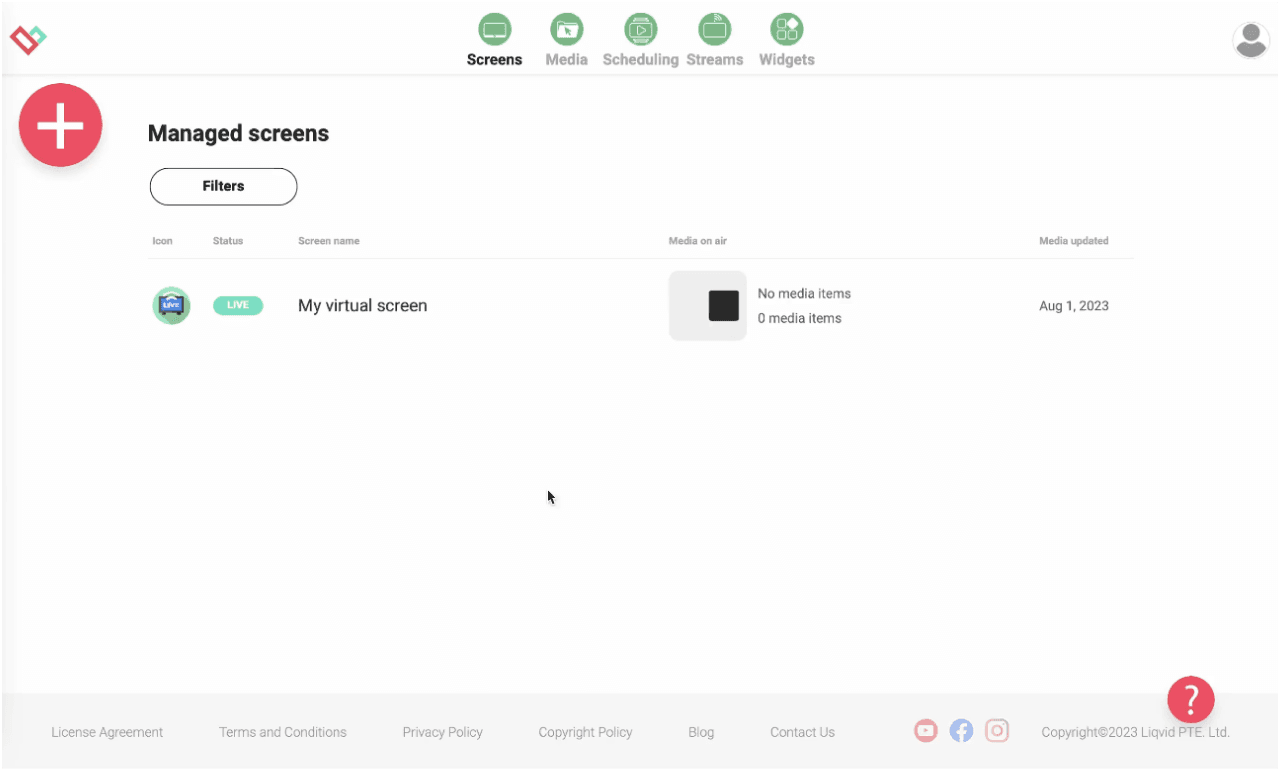
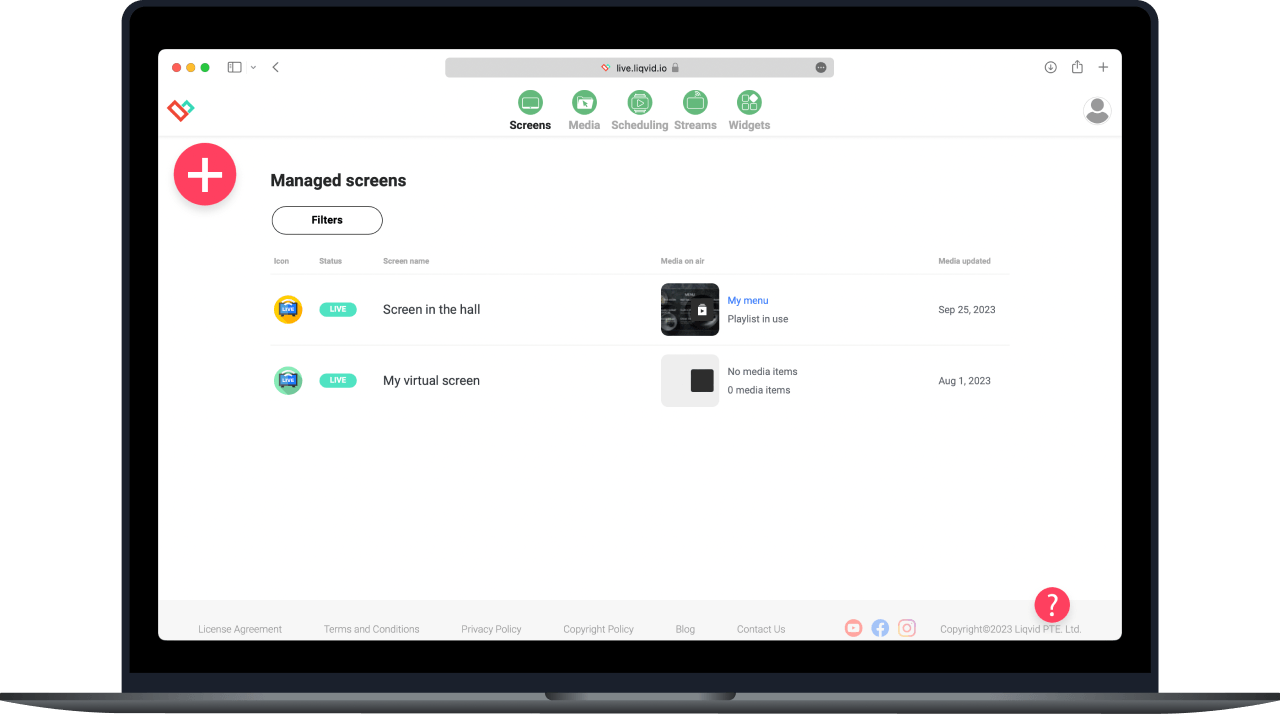
Digital Signage Education runs from one cloud dashboard with Liqvid Digital Signage on Android TV, Chromecast, Amazon Fire, and Xiaomi devices. Operators install the player, sign in, and push schedules to every lobby and hallway screen from a browser.
It replaces flash-drive walks with a browser-based dashboard. Update lobby welcome cards, swap event-of-the-week notices, and publish to one screen or the whole venue in seconds. Operators move from the storeroom to the laptop.
Cloud-hosted, no on-site PC required. The platform stores media in the cloud and syncs to each player over Wi-Fi; premium plans include unlimited storage so seasonal artwork stays online year-round. Bandwidth needs stay modest.
Take full remote control of your screens in multiple locations from anywhere
The dashboard groups screens by zone. Operators tag the lobby strip, the cafeteria menu loop, and the directory map separately, then publish a playlist to one tag without touching the others. Permissions scope team access by zone.
Utilize seamless compatibility with Android, Android TV, and Amazon Smart TVs
Install the player from Google Play, the Amazon Appstore, or sideload on Xiaomi sticks. No extra media boxes, no proprietary hardware - the screens already mounted around the building become signage endpoints once the app signs in.
Your Content, Your Way: Upload, Create, Stream, Share
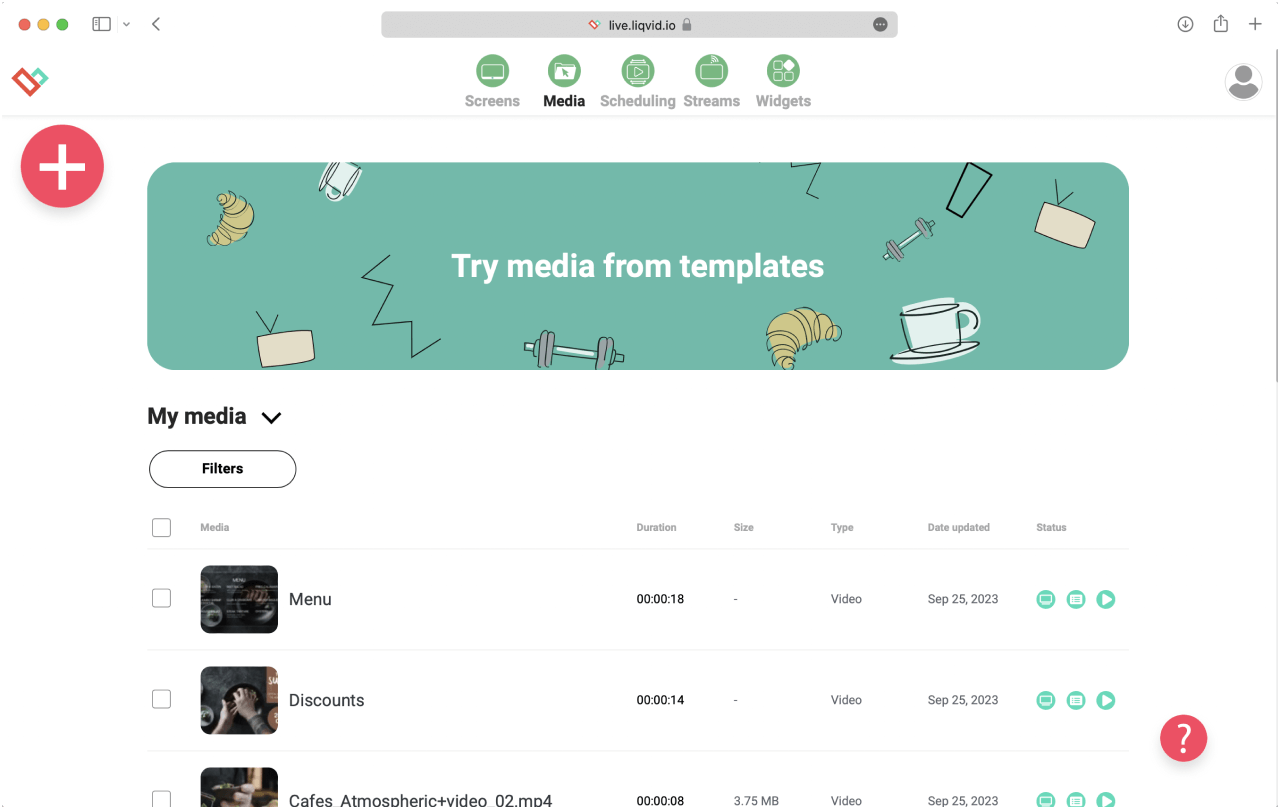
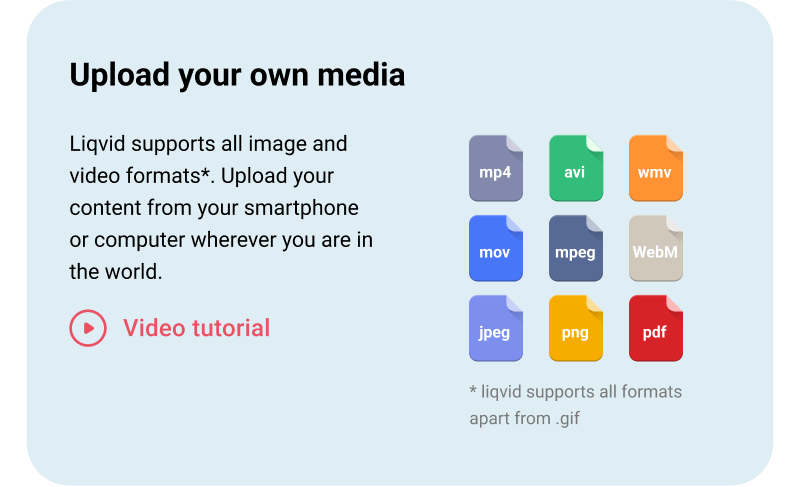
Upload your own media
Upload MP4 clips, JPG and PNG artwork, PDFs, slide decks, and web URLs to the media library. Drop files in from a laptop, phone, or tablet; The platform converts and caches them for playback on the connected player.
DIRECT 1-CLICK PUBLISHING
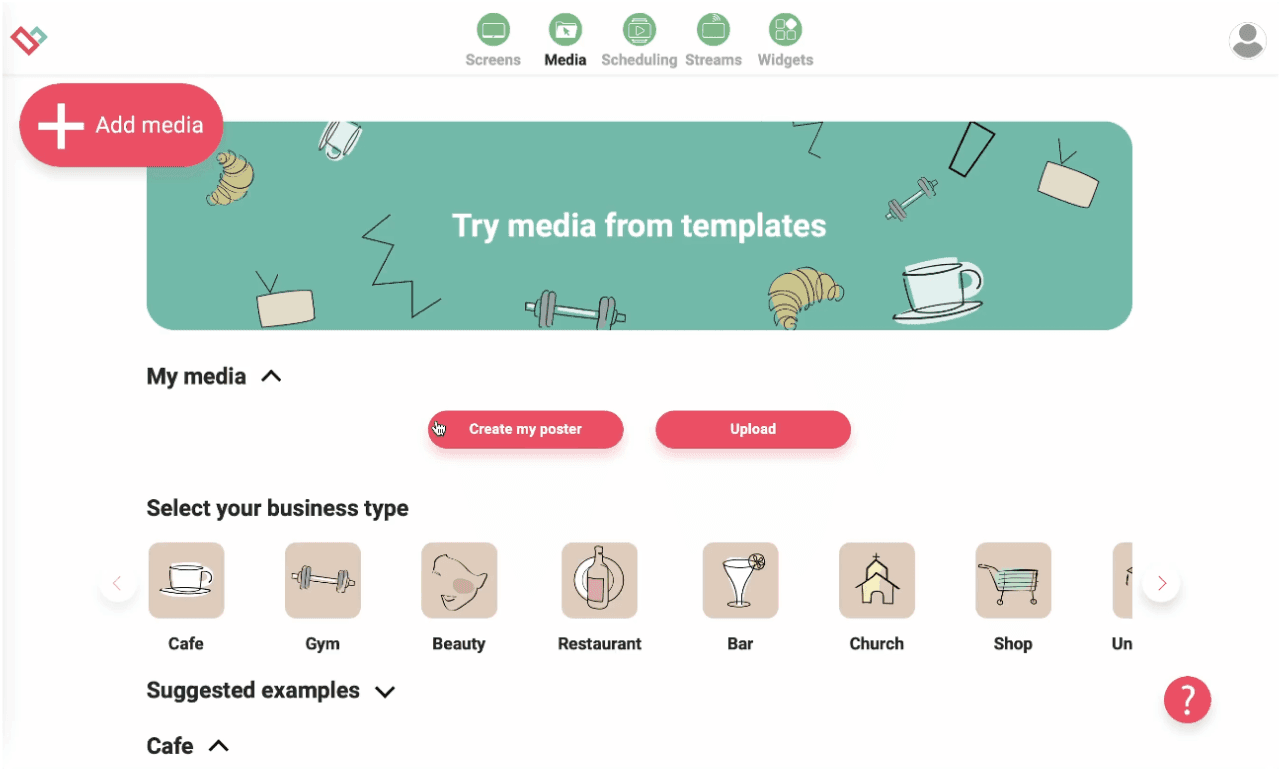
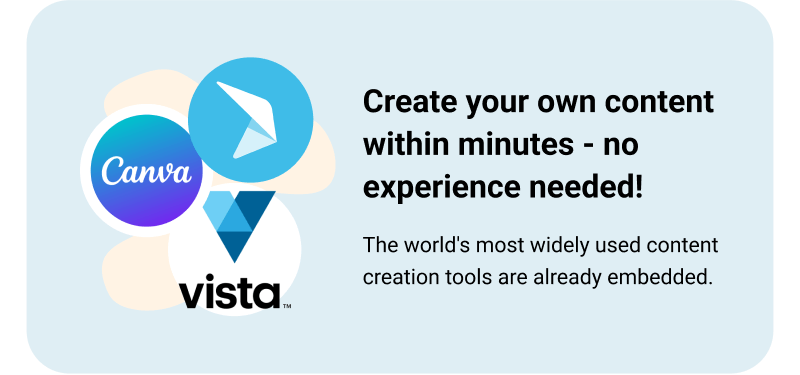
Create your own screen content within minutes — no experience needed!
Build templates once, reuse across screens. The library ships layout starters for a schedule board, an announcement card, a weather-and-time strip, and a visitor-info card; operators edit text and swap images per zone in the browser.
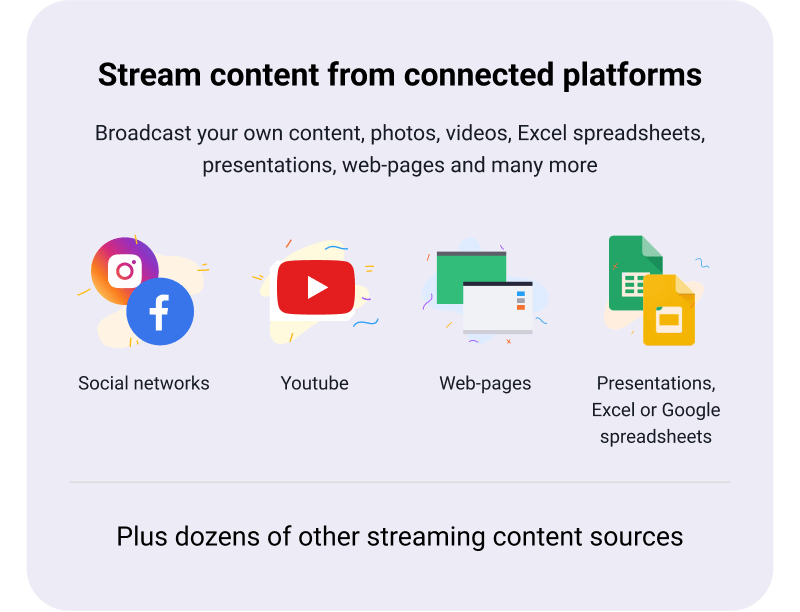
Stream content straight on TVs from connected platforms
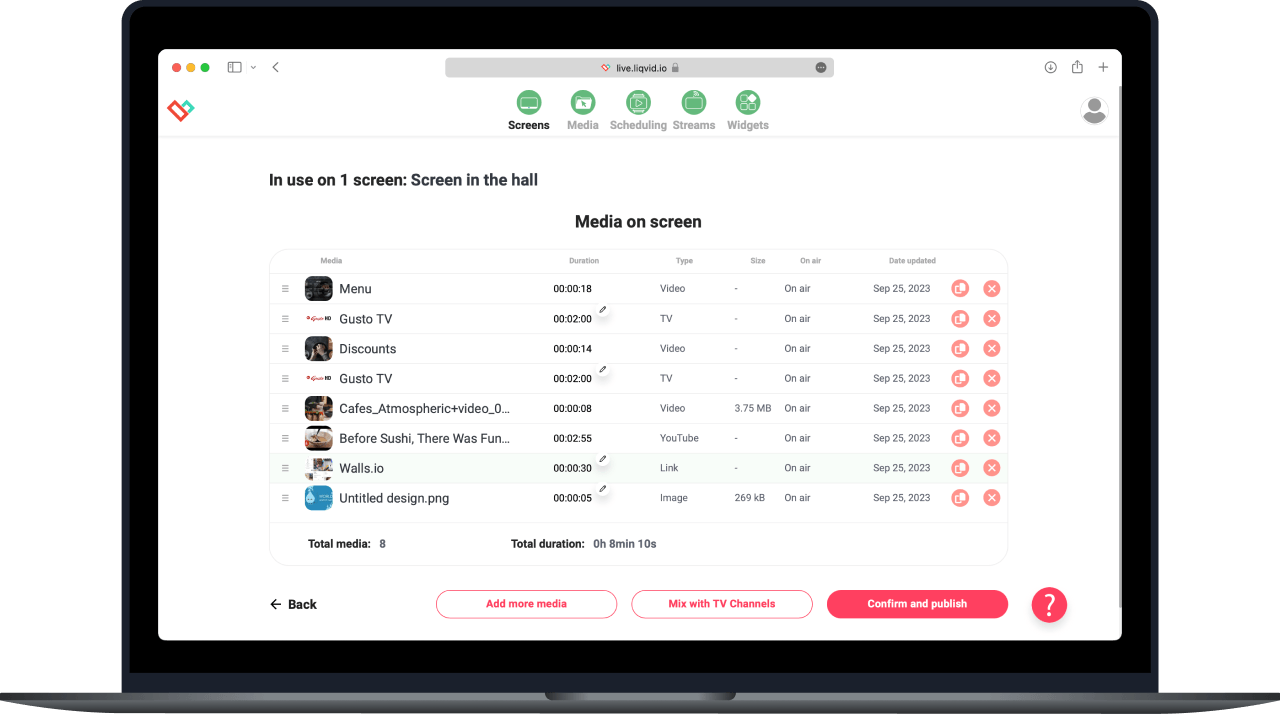
Stream YouTube playlists, IPTV feeds, web pages, and live spreadsheets alongside scheduled clips. A daily-events board can sit above a live weather frame and a looping highlights reel without separate display hardware.
Effortlessly schedule screen content for specific times and locations
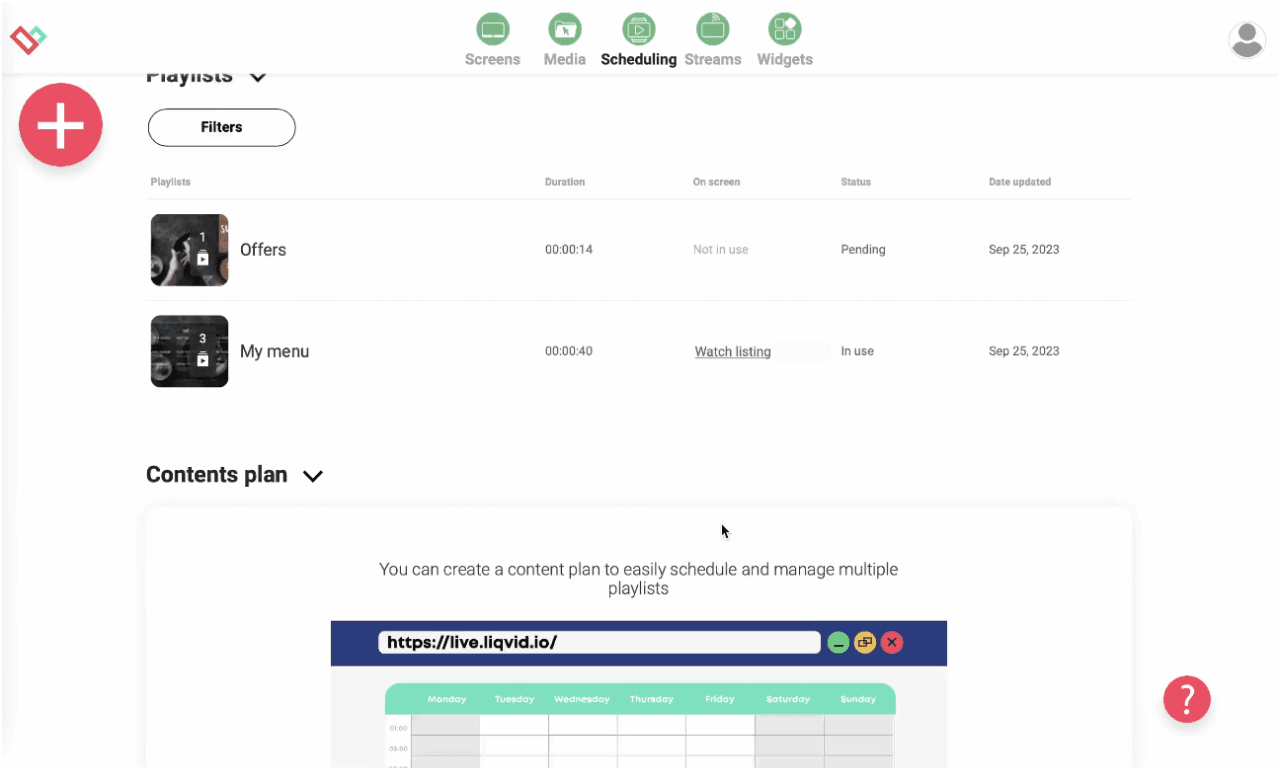
Drag clips onto the weekly grid to schedule playlists. The visual scheduler accepts media drag-ins from the library; operators preview the playout, then publish to selected zones with one click. Recurring loops repeat without re-uploading.
Experience Stability, Security, and Reliability for Your Peace of Mind
The player caches the active playlist on each device so playback continues if Wi-Fi drops, then resumes the schedule once the network returns. Fleet-wide health monitoring surfaces offline players in the dashboard; uptime targets 99.9%.
Worldwide Responsive Customer Support by Real People, Instant Assistance Available
Operates in 170 countries, multilingual
Unparalleled Data Security
Seamlessly Scalable: Easily Deploy 10 to 10,000s of Devices
Seamless signage mobile control with Liqvid's pocket-sized web-panel
Access to Premium Widgets for Audience Engagement: Entertainment, Information, Sales
16 unique high-demand features
App Auto start and restart for uninterrupted service
Auto updates for latest features
Large files compatibility
Works perfect for screens in
Fitness Clubs
Lobby screens carry visitor-info cards, weather strips, and the event-of-the-week notice on a rotating loop. Reception staff push a last-minute update from the front desk without calling IT.
Cafes and Restaurants
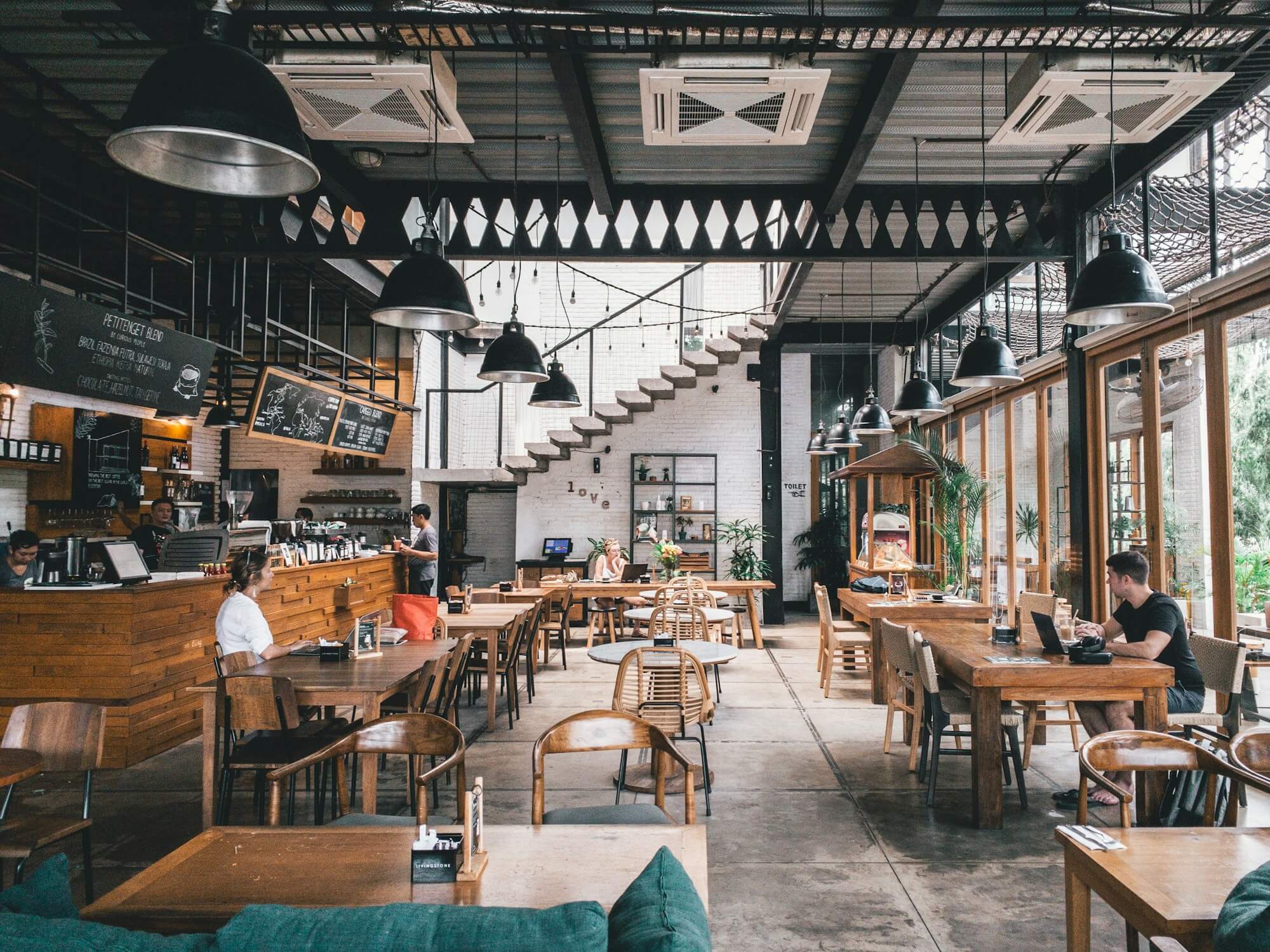
Cafeteria displays cycle the menu loop, a nutrition callout, and seasonal promotions. Operators schedule the breakfast set to play 7-10am and the lunch set to swap automatically at the kitchen transition.
Shops, Retail outlets, Schools and Universities
Hallway boards run wayfinding maps and venue announcements. The directory map highlights the active wing for visitors while a schedule board next to it lists what is happening today across shared rooms.
Hotels, SPAs, Medical Clinics and Beauty Salons
Multi-building venues group screens by site. Operators publish the venue-wide announcement card to all sites at once, then scope a building-specific schedule to one tag - same dashboard, two scopes.
Cases by Industries
Gyms
The dashboard groups screens, schedules content, and previews playout in any browser. Operators handle uploads from a laptop in the office or a phone at the entrance; the player on each screen does the heavy lifting.
Cafés
Update the lobby welcome card from a phone between meetings. Publish a closure notice across every screen in 30 seconds. Liqvid moves signage work off the venue floor and onto whatever device the operator already carries.
Beauty Salons
Sign in to the Liqvid dashboard, install the player on each screen, and start publishing. The platform scales from a single lobby panel to a multi-building fleet without extra hardware.
Use content widgets to entertain, inform and sell to your audience
Dropbox
Walls.io
Seenspire
Taggbox
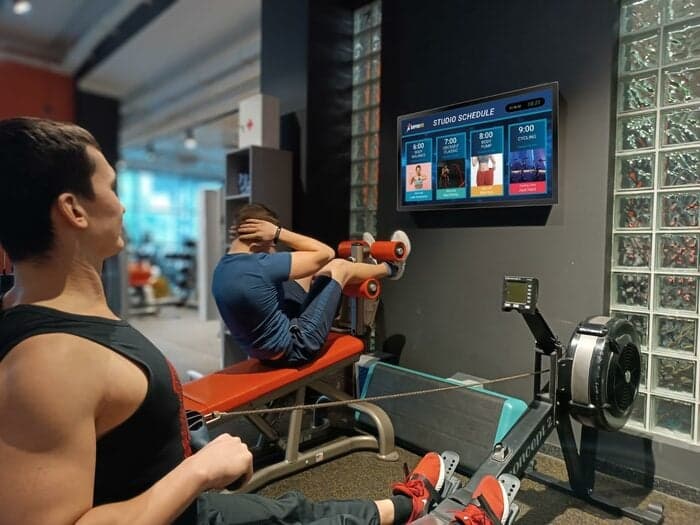
Liqvid.io — platform for screens in the gym your receptionist can manage!
Fitness Next Classes
Fitness Daily
Fitness Weekly
Say goodbye to outdated communication methods and hello to a better gym experience for your customers!
Unbeatable Prices in Your Area!
If you find a more affordable option, please let us know, and we'll match it. We offer flexible payments based on the number of screens connected.
Liqvid Free
Ideal for businesses evaluating our platform. Liqvid's free plan offers premium features, unlimited screens, and no usage expiry, with a small Liqvid watermark and storage limitations.
For businesses willing to pay for 100% of the modern features and functionality, along with unlimited media storage and support for large files, without any Liqvid ads or watermarks.
Includes unlimited access to all premium features, plus human-driven unlimited technical and customer support. Ideal for large organizations with 500+ screens.
Platform for screens in the gym that my receptionist can manage!
"We've relied on Liqvid for our fitness club screens. It's simple, powerful, and dependable. Makes managing content a breeze. Lots of features for gym screens content like daily schedules, upcoming classes, social walls. Highly satisfied."
George
Club manager IceBox Fit
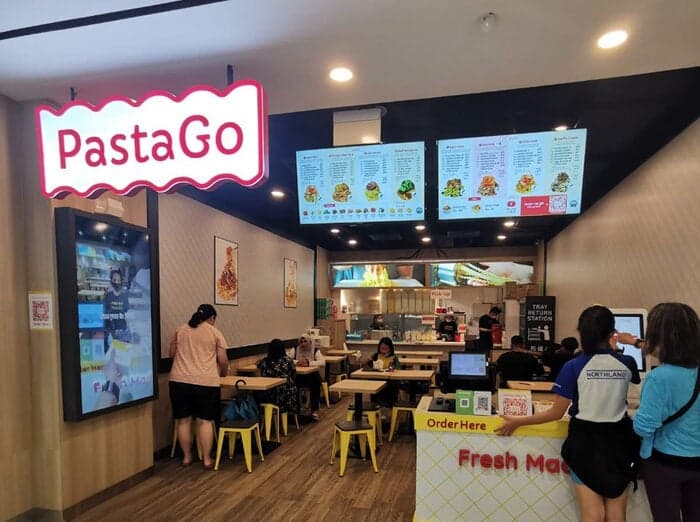
PastaGo's Menu Transformation with Liqvid
"Launched in 2022, PastaGo is a takeaway kiosks network of 10+ venues rapidly growing and serving our in-house-made pasta. Liqvid's menu boards have been a game-changer for us, and we're thrilled with the results."
Hian Meng N
Manager PastaGo
"Easy to use and navigate without much training!"
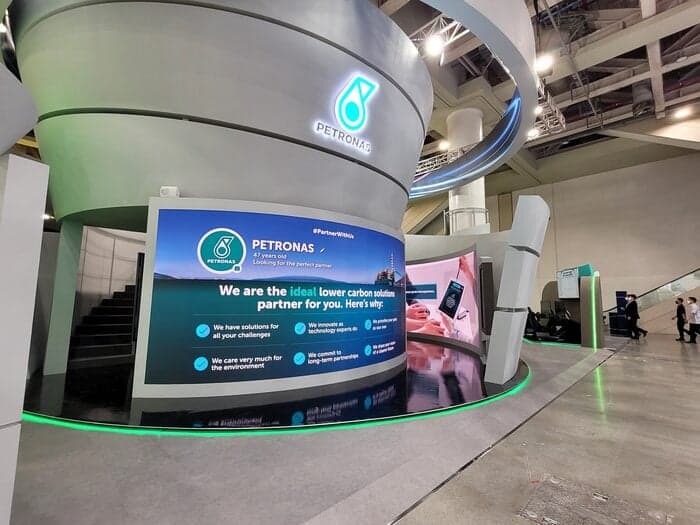
One of the world's largest oil and gas companies uses the Liqvid digital signage platform to communicate with thousands of employees across South-East Asia's multiple plants and factories.
Liqvid for the Win!
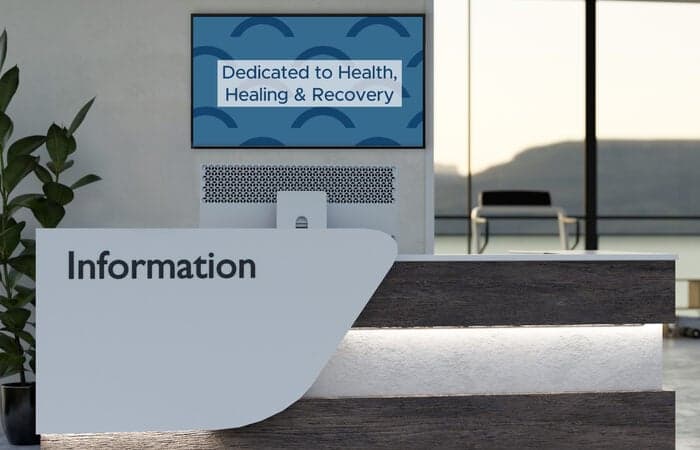
"Liqvid gives us a low cost product that provides the features we need for our lobbies and waiting areas. Cons - Nothing. We liked everything we saw about the product, and support has been excellent. Overall experience has been very positive."
Patrick M
CIO, Healthcare company, 500 employees
Liqvid Elevates Our Ambiance!
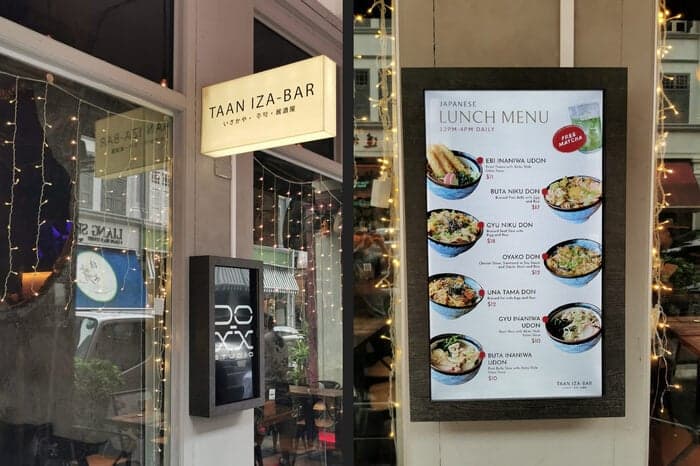
"TAAN IZA-BAR captures the essence of Japanese izakaya with a cozy, romantic ambiance in Singapore. Liqvid enhances our atmosphere."
Jeff
Owner
Common Questions
Can I show class schedules and announcements on school hallway screens?
Yes. Build a schedule playlist with announcements, lunch menus, and bell-time updates. Liqvid pushes the loop to every hallway screen from one dashboard.
How do I update content across a multi-campus school district?
Edit the playlist once and assign it to the campus group. Every screen in that group receives the update within 30 seconds.
Can teachers update screens in their own department zones?
Yes. Give each department admin a dashboard login limited to their screen group. They edit and publish without touching other zones.
Does Liqvid support emergency messaging on school screens?
Yes. Prepare an emergency playlist in advance; from any browser, an admin can switch every screen to the emergency loop in one click.
What hardware does a school need for hallway signage?
An Android TV, Chromecast, Amazon Fire, or Xiaomi stick plugged into each hallway TV. Install Liqvid, sign in, and assign the screen to the campus group.
Take the Next Step in Screen Management
Seamlessly integrate and manage all your digital displays with one intuitive platform. Choose Liqvid to elevate your business, improve your customer interactions, and achieve remarkable growth.